How to create an outbound AI voice agent in Aircall
Here is how to create an outbound ai voice agent in aircall
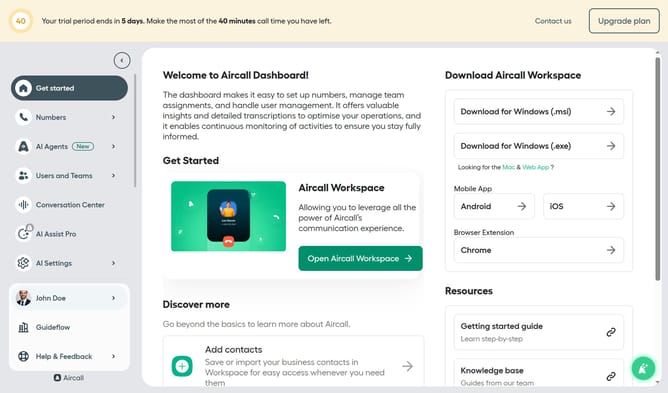
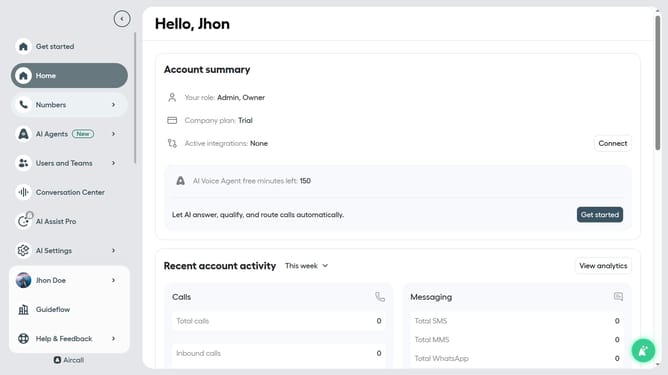
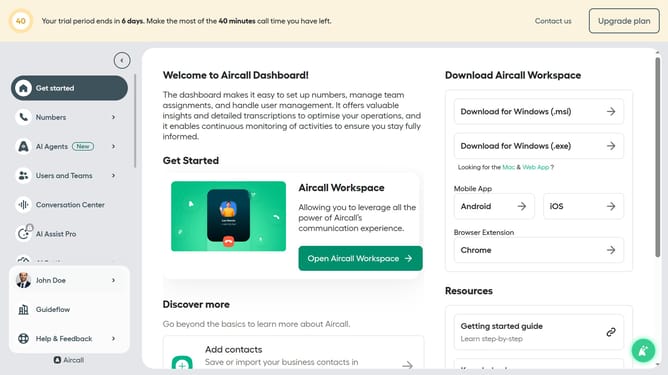
- First click on "AI Agents" item in the sidebar
- Then click on "AI Voice Agents" item
- Next click on the "Create an AI Voice Agent" button
- Then select "Outbound" option
- Now click on the text input "Name" and edit it
- Finally click on the "Save" button
Why should you create an outbound AI voice agent in Aircall
Aircall revolutionizes communication by streamlining cloud-based phone systems for modern businesses.
Creating an outbound AI voice agent in Aircall transforms how businesses handle customer interactions. This feature leverages intelligent automation to manage high volumes of outbound calls efficiently.
By using AI voice agents, businesses can ensure consistent messaging, while freeing up human resources for more complex tasks. Enhanced productivity and reduced operation costs are just a few of the immediate benefits, making it a valuable tool for scaling communications effectively.
Last update