How to enable email notification for outbound, inbound, and missed calls in Aircall
Here is how to enable email notification for outbound, inbound, and missed calls in aircall
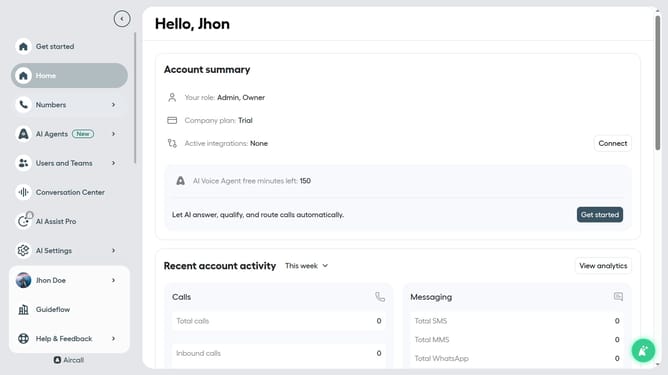
- First click on your user profile in the left sidebar
- Then click on "Edit profile" in the dropdown menu
- Next, click on the "Notifications" tab in the profile settings
- Finally, toggle the "Activity report" switch to the ON position
Why should you enable email notification for outbound, inbound, and missed calls in Aircall
Aircall is a cloud-based phone system designed to enhance your communication experience seamlessly.
Enabling email notifications for outbound, inbound, and missed calls in Aircall ensures that you’re always up-to-date with all call activities.
This feature keeps you informed, enhancing your responsiveness and efficiency by allowing you to track calls effortlessly even when away from your phone.
By activating email notifications, you’ll never miss critical interactions, making seamless communication a core part of your workflow.
Last update