How to add actions into your AI agent in an outbound AI voice agent in Aircall
Here is how to add actions into your ai agent in an outbound ai voice agent in aircall
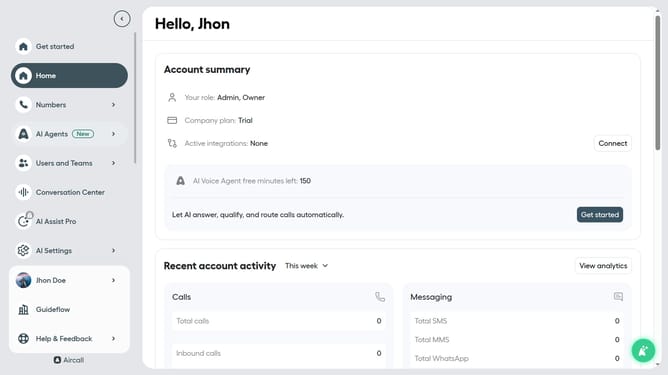
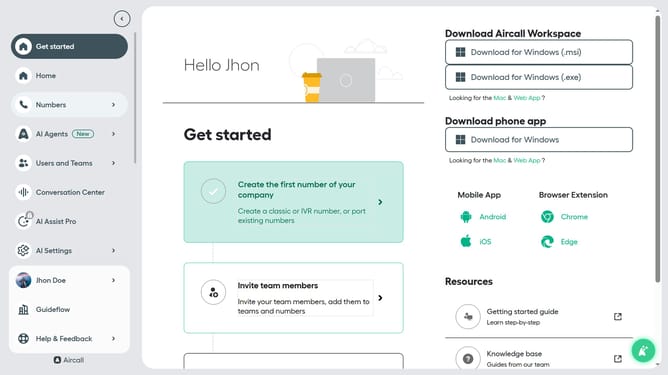
- First click on "AI Agents" item in the left sidebar
- Then click on "AI Voice Agents" option that appeared in the sidebar menu
- Next, click on the outbound AI voice agent from the list of agents
- Then click on "AI actions" in the left panel of the agent profile
- Next, click on the "+ Add action" button
- Then click on the "Action" dropdown field
- Next, click on "Update Contact" action
- Then click on "Add action" button at the bottom right
- Finally click on the "Save" button
Why should you add actions into your AI agent in an outbound AI voice agent in Aircall
Aircall is a cloud-based phone system designed to elevate team communication and collaboration.
Integrating actions into your AI agent in an outbound AI voice agent on Aircall enhances efficiency and streamlines customer interactions. By doing so, businesses ensure their AI is tailored to meet specific needs, promptly handling requests and reacting to customer inputs.
This feature not only brings a personal touch to automated calls but also guarantees a smoother experience for both agents and clients, ultimately optimizing productivity and customer satisfaction.
Last update