How to change the callback language in Aircall
Here is how to change the callback language in aircall
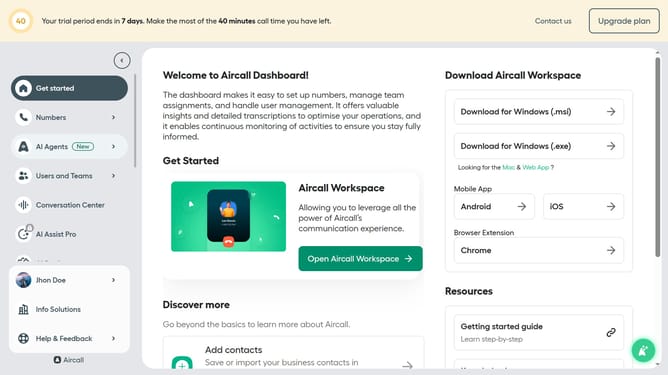
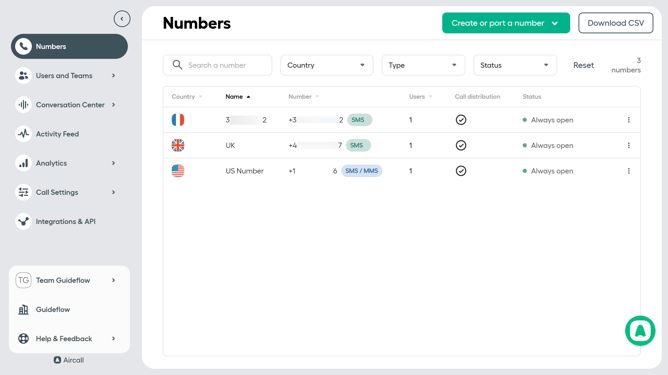
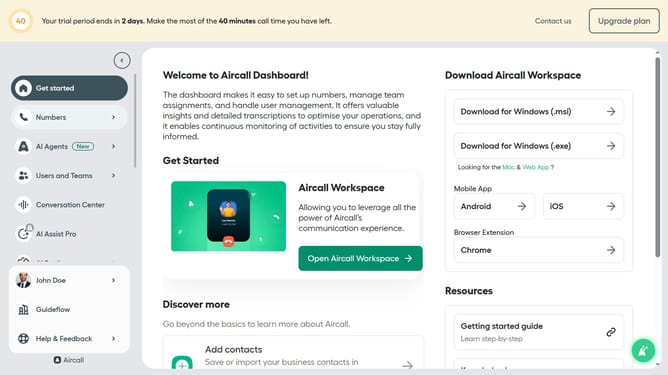
- First click on the "Numbers" item in the left sidebar
- Then click on the "Numbers" tab in the main content area
- Next click on the name of the number you want to manage
- Then click on the "Settings" tab
- Next click on the "Language" dropdown menu
- Then select from the language options
- Finally click on the "Save changes" button
Why should you change the callback language in Aircall
Aircall is a seamless cloud-based phone solution designed for modern businesses.
The ability to change the callback language in Aircall empowers teams to offer a personalized touch, enhancing customer interaction and satisfaction.
This feature ensures that customers are greeted in their preferred language, thereby fostering trust and improving communication.
By adapting to linguistic preferences, businesses can reach a wider audience, enhancing their global appeal and efficiency.
Last update