How to disable call distribution for unavailable agents in Aircall
Here is how to disable call distribution for unavailable agents in aircall
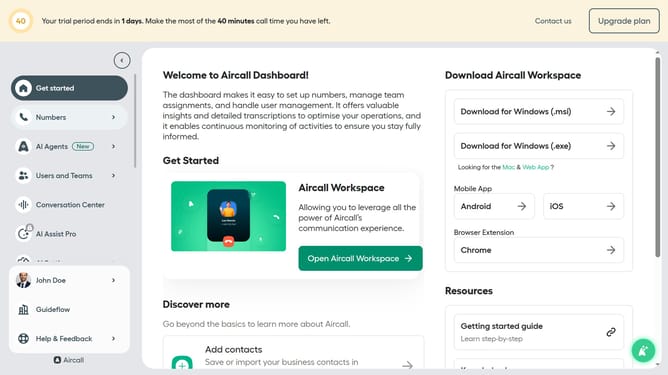
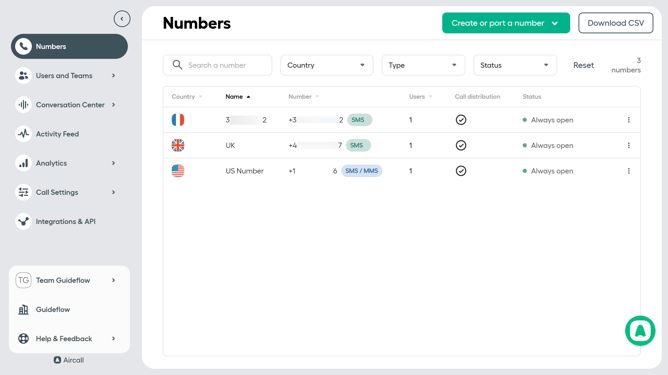
- First click on "Numbers" option in the left sidebar
- Then click on "Numbers" tab
- Next click on the name of the number you want to manage
- Then click on "Settings" button
- Finally click on the "Wait for unavailable agents" toggle OFF
Why should you disable call distribution for unavailable agents in Aircall
Aircall is an intuitive cloud-based phone system designed to streamline communication for businesses.
A key feature of Aircall is the ability to disable call distribution for unavailable agents. This ensures that calls are efficiently routed, avoiding unnecessary hold times for customers. By automatically managing call distribution, Aircall enhances productivity and reduces caller frustration.
With this feature, businesses can maintain a seamless communication flow, ensuring that customers are always connected to available agents, thus boosting customer satisfaction and operational efficiency.
Last update