How to change routing voicemail text to speech voice in Aircall
Here is how to change routing voicemail text to speech voice in aircall
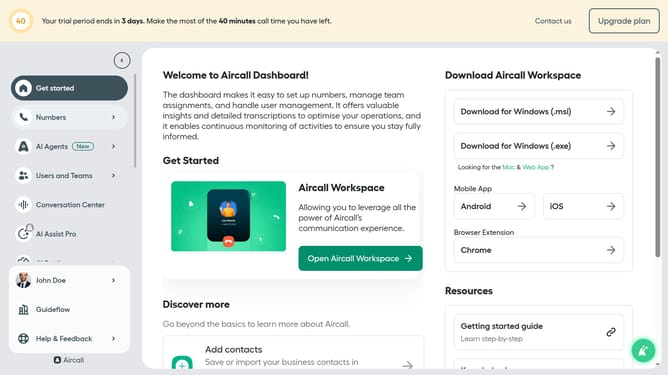
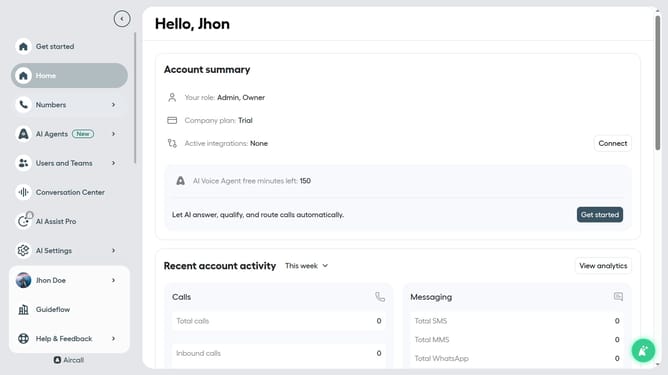
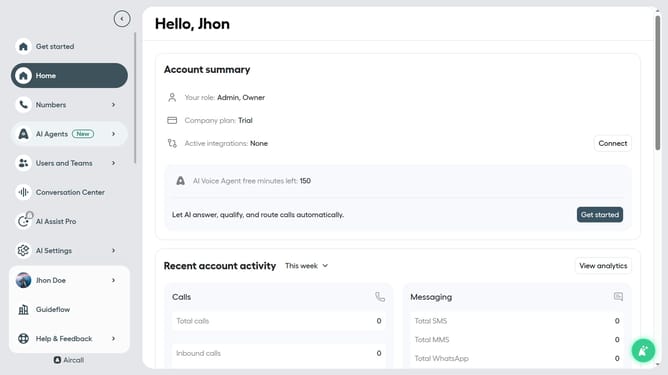
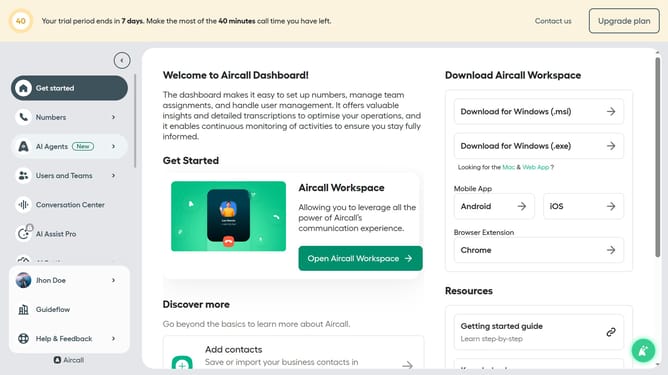
- First click on "Numbers" item in the left sidebar
- Then click on the "Numbers" tab
- Next click on the name of the number you want to manage from the table
- Then click on the "Edit" button
- Then click on the "Voicemail" block
- Then click on the "Voice" dropdown
- Then select from the voice options
- Finally click on the "Publish" button
Why should you change routing voicemail text to speech voice in Aircall
Aircall is a cloud-based phone system that transforms business communication through streamlined voice solutions.
One of its standout features is the ability to change the routing voicemail text-to-speech voice, offering businesses a customizable and professional touch. This feature ensures that your voicemails resonate with your brand's identity, maintaining a consistent image.
By personalizing your voicemail system, you enhance customer interaction, making communication clear and more engaging. It's a simple yet effective way to elevate customer experience and ensure messages are delivered with the perfect tone.
Last update