How to duplicate an AI voice agent in Aircall
Here is how to duplicate an ai voice agent in aircall
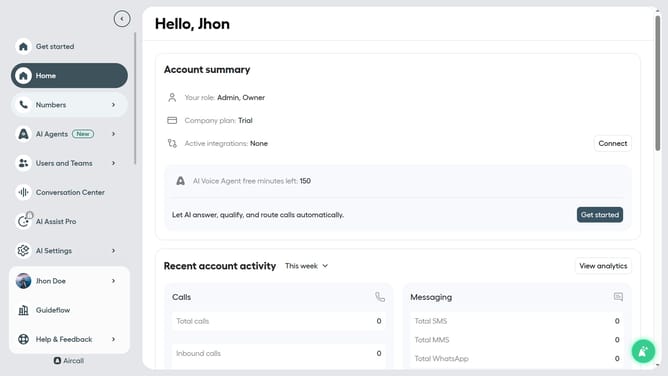
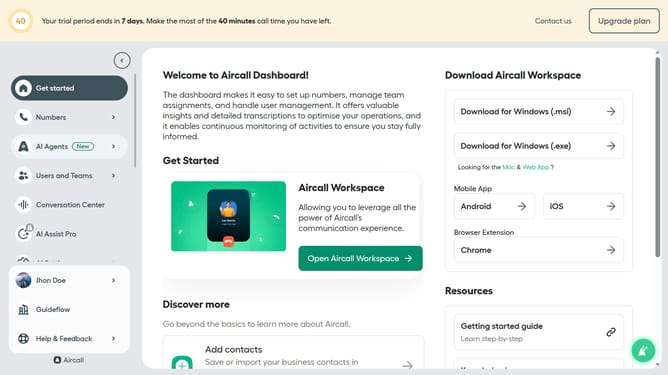
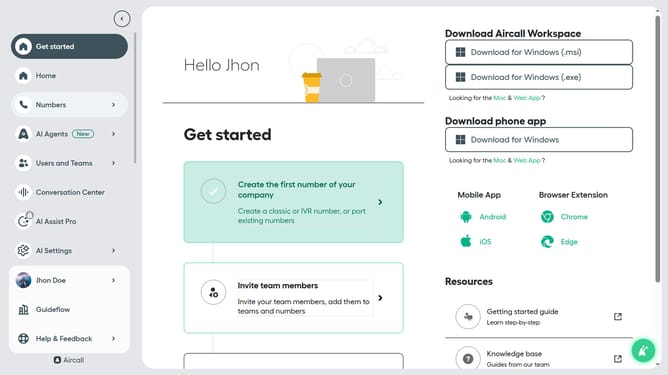
- First click on "AI Agents" item in the left sidebar
- Then click on "AI Voice Agents" link
- Then click on the three dots icon to the right of the agent you want to duplicate
- Then click on "Clone agent" option
- Then click on the text input field to give the cloned agent a name
- Finally click on the "Clone" button
Why should you duplicate an AI voice agent in Aircall
Aircall is a cloud-based phone system designed to streamline business communications.
Duplicating an AI voice agent in Aircall offers significant operational efficiency.
This feature allows companies to scale their customer support quickly by replicating effective voice interactions instead of creating them from scratch.
It ensures consistent service quality across various channels while saving time and resources.
Last update