How to add a farewell message in an outbound AI voice agent in Aircall
Here is how to add a farewell message in an outbound ai voice agent in aircall
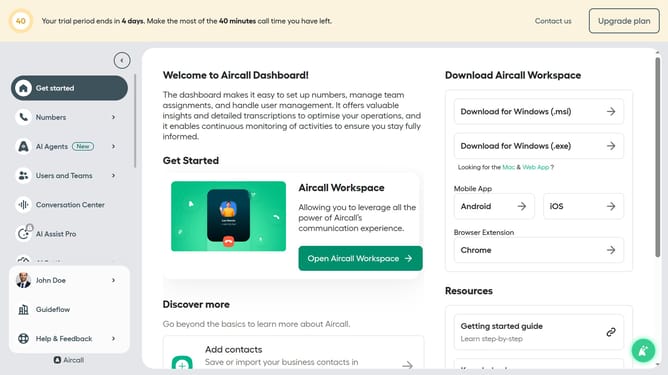
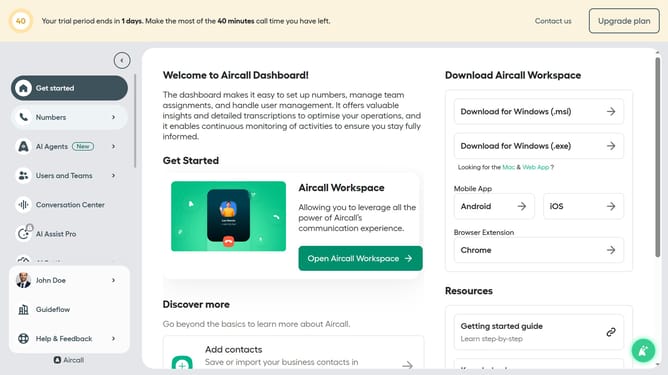
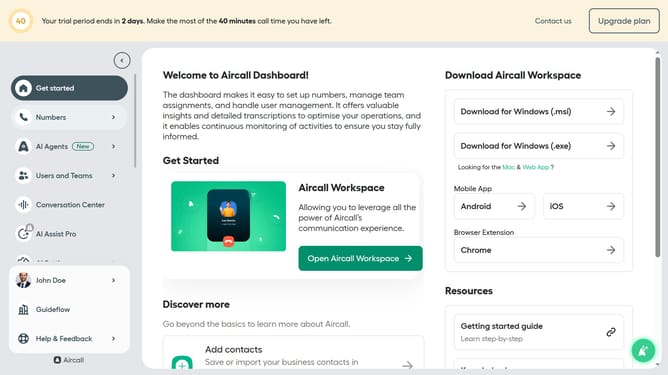
- First, click on the "AI Agents" item in the left sidebar
- Then, click on the "AI Voice Agents" link in the sidebar
- Next, click on the outbound AI voice agent in the main content area
- After that, click on the "Call script" option in the left menu
- Then, click on the "Farewell message" section and edit it
- Finally, click on the "Save" button
Why should you add a farewell message in an outbound AI voice agent in Aircall
Aircall is a dynamic cloud-based phone system that streamlines communication for businesses.
Incorporating a farewell message in an outbound AI voice agent enriches customer interaction, ensuring a positive end to calls. This feature in Aircall provides a seamless and professional experience, leaving a lasting impression on callers.
By utilizing customizable farewell messages, businesses can maintain brand consistency while enhancing customer satisfaction. This thoughtful touch fosters loyalty and distinguishes your company in competitive markets.
Last update