How to add a user in a number in Aircall
Here is how to add a user in a number in aircall
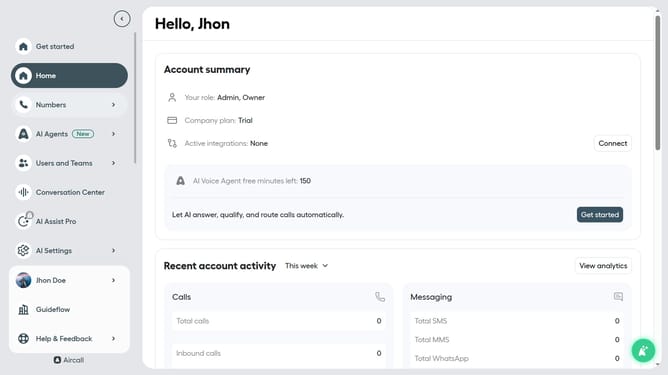
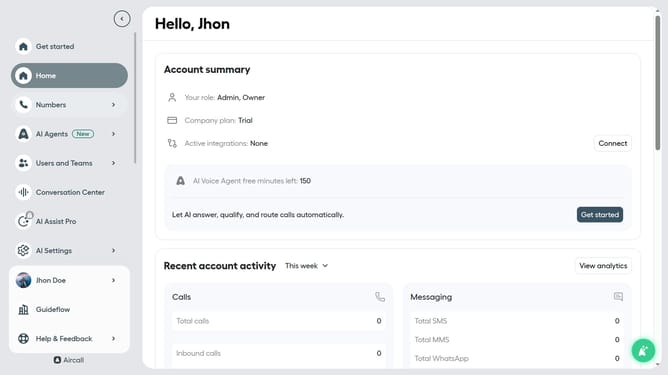
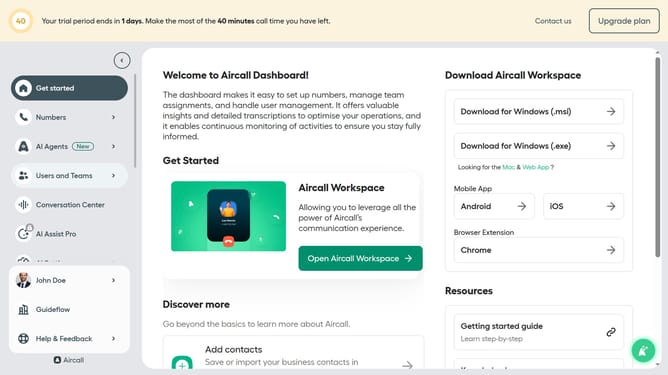
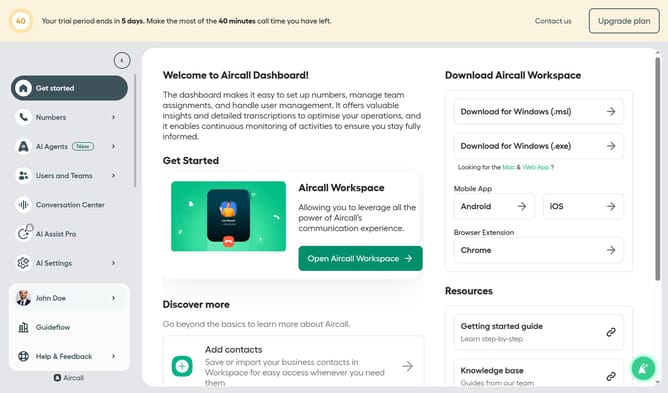
- First click on "Numbers" item in the left sidebar
- Then click on "Numbers" tab
- Next, click on the "Client Core Service" item in the table
- After that, click on the "Teams & Users" tab
- Then click on the "Add teams or users" button
- Next click on the "Edit" button
- After that, click on the "+" button
- Then select "Ring to" option
- Next, click on the dropdown field to expand the user selection
- Then click a user from the list
- Next click on the "Publish" button
- Finally click on the "Exit" button
Why should you add a user in a number in Aircall
Aircall revolutionizes business communication by offering an intuitive, cloud-based phone system designed to enhance team collaboration.
The feature of adding a user to a number within Aircall effortlessly expands your team’s capabilities without missing a beat. By enabling seamless integration of new team members, you enhance your team’s capacity to manage calls efficiently, ensuring clients and customers receive timely responses.
This feature supports streamlined operations, fosters better teamwork, and scales communication to meet the dynamic needs of growing businesses.
Last update