How to set a user's role in Aircall
Here is how to set a user's role in aircall
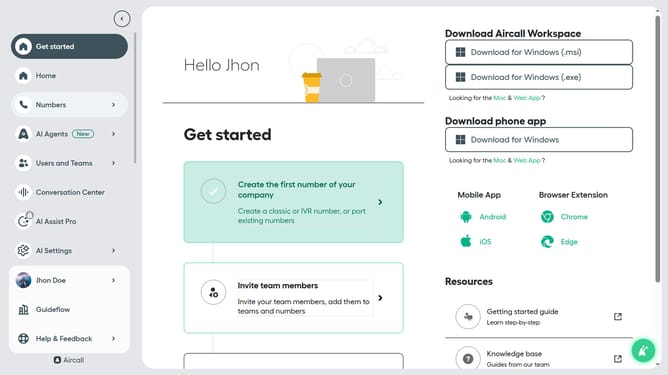
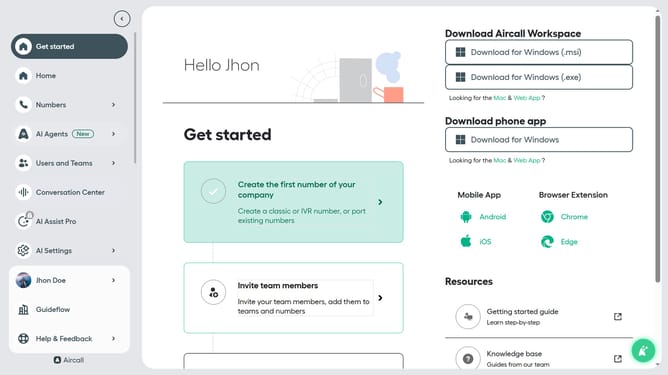
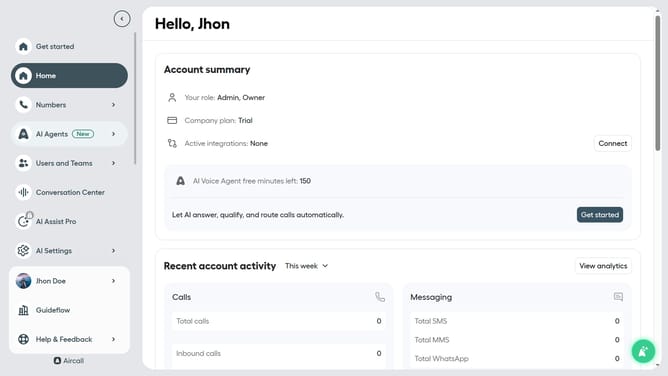
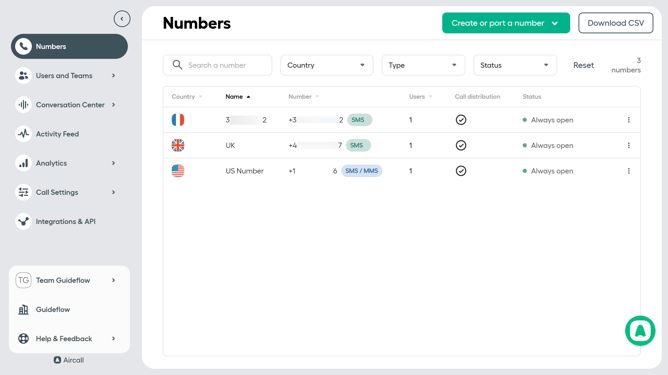
- First, click on "Users and Teams" in the left sidebar
- Then, click on "All users" in the dropdown menu
- Next, click on the user that you want to manage on the user list
- Then click on the radio button next to the preferred role
- Finally, click on the "Save changes" button
Why should you set a user's role in Aircall
Aircall is a powerful cloud-based phone system designed to enhance communication and collaboration within businesses.
One of the standout features of Aircall is the ability to set and manage user roles efficiently. Assigning the right role to each team member ensures that they have access to the necessary tools and information tailored to their responsibilities. This increases efficiency and accountability across your team.
By customizing user roles, businesses can streamline workflows and maintain better data security. With the right permissions in place, teams can focus on what matters most, driving productivity and enhancing customer interactions.
Last update