How to navigate the Aircall dashboard
Here is how to navigate the aircall dashboard
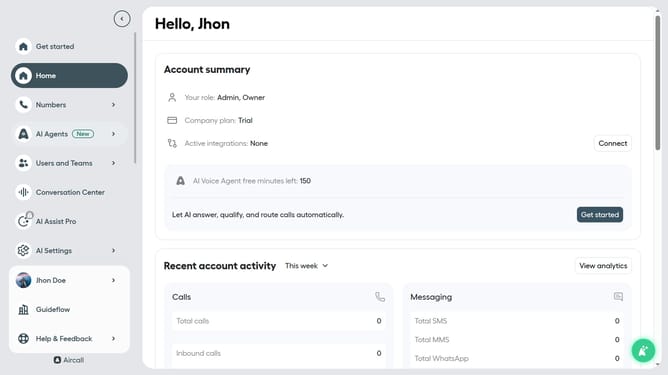
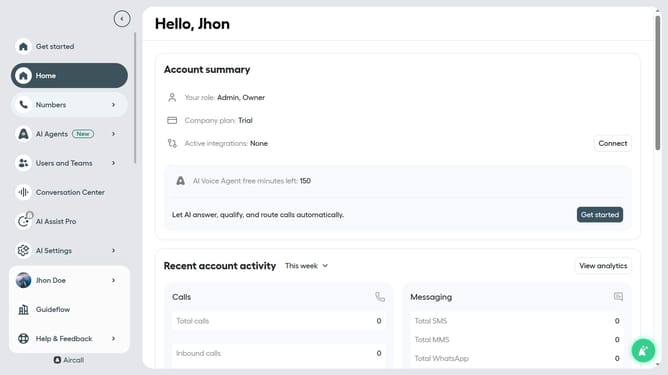
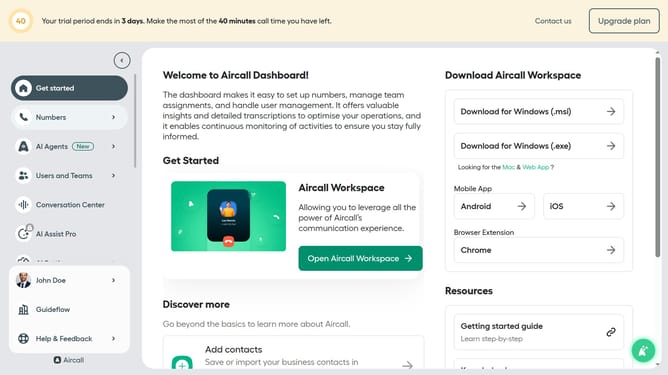
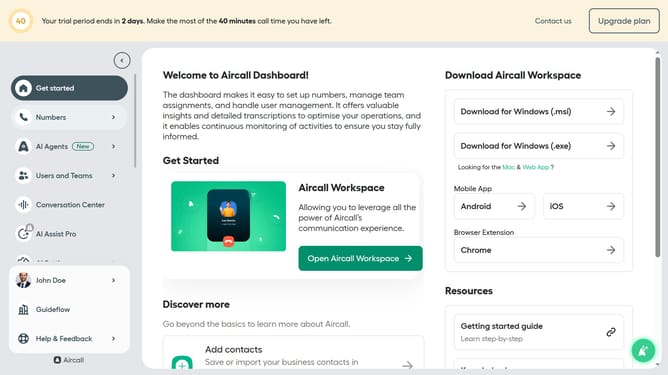
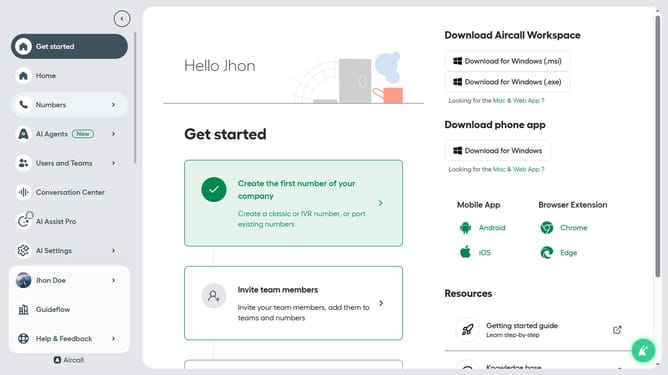
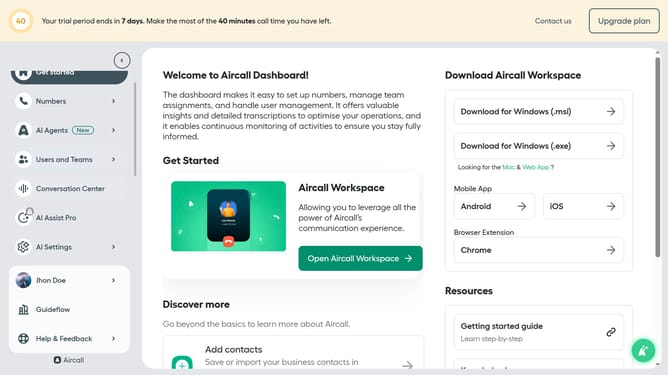
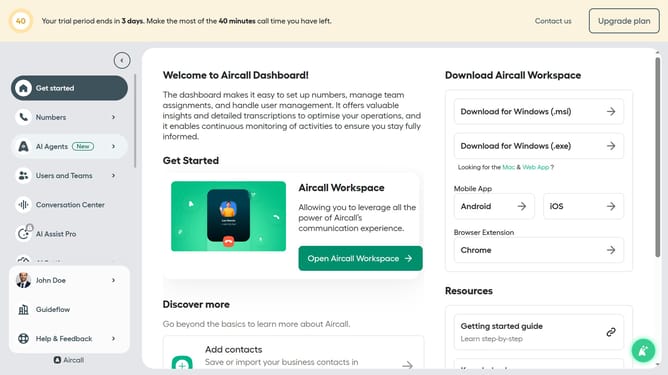
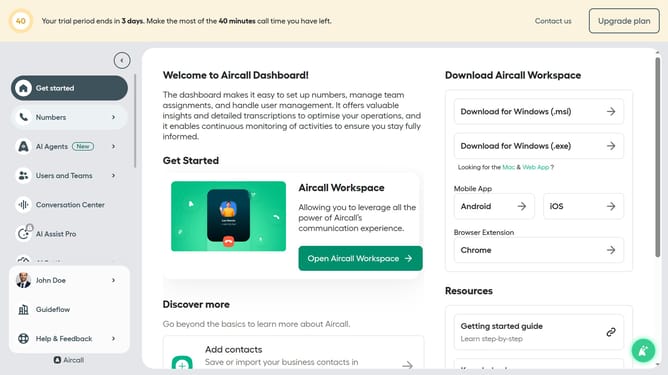
- Once you’re logged in, check out the tabs on the left side of your screen
- The Numbers tab is where you’ll manage your team’s phone numbers, create new numbers, or initiate porting of any existing numbers you own
- Once added, you can search and click into any of your numbers to customize your settings
- In the Users tab click the green button to create a new user and search for an existing user to manage here
- When you’re creating users, you can either make them a standard User, if they only need access
- In the Teams tab, you can start grouping your users together
- You can search your Teams and click to manage each one
- Here in the Conversation Center you can drive sales and customer support performance with a filterable log of all calls and voicemails, and one click access to all call recordings and transcripts
- The Activity Feed lets you see all your team’s current and recent call history
- The Analytics Overview section, where you can filter by date and numbers to learn more about your team’s call activity
- Click on "Call Settings" in the left navigation
- If you wish to see the details of a specific call, the Call History tab is the right place for you
- Here in the Special dates tab, you can define specific dates on when your call flows should be different
- In the Call Settings tab, you can create Tags for your teams to apply to their calls for greater insights and context in your reporting, and block any numbers that appear to be spam
- And here in the Blocked Numbers tab you can add a blocked number or see the numbers you have blocked
- The last tab you’ll see, and probably the most important, is Integrations & API. Here’s where you’ll configure your current integrations, discover new tools to connect to, and generate API keys to create your own automations
- Now, let’s manage your company info and personal preferences in the dashboard. At the bottom of the screen
- Here in the General tab you can edit your company information and put in a logo
- Here you can view and change your Aircall plan
- In the Billing tab, you can see the history of your billings and their status
- The Roles & Permissions tab will help you organize your roles and access
- And finally here in the Security tab you can choose your security preferences. This is where you can set up Google sign in, by the way
Why should you navigate the Aircall dashboard
Aircall is an intuitive cloud-based phone system designed to streamline business communications effortlessly.
The Aircall dashboard is your gateway to enhanced productivity, offering a user-friendly interface that makes managing calls and team performance a breeze. Clearly labeled features and organized sections allow for quick access to call data, contact management, and performance reports.
By leveraging the dashboard's capabilities, users can ensure efficient communication flow, optimize team collaboration, and gain insightful analytics to drive business success. The seamless navigation contributes to a smoother workflow, making it indispensable for dynamic work environments.
Last update