How to disable waiting for busy agents in team ring to in Aircall
Here is how to disable waiting for busy agents in team ring to in aircall
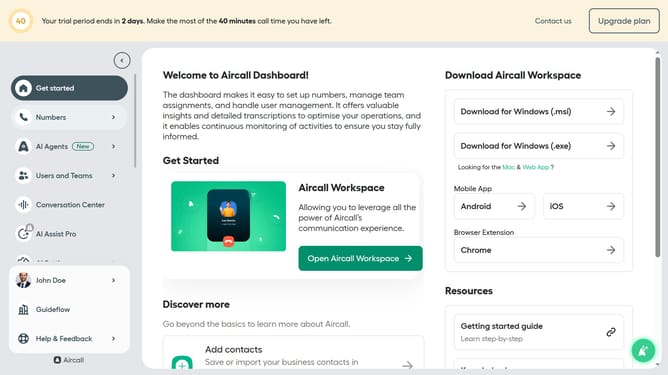
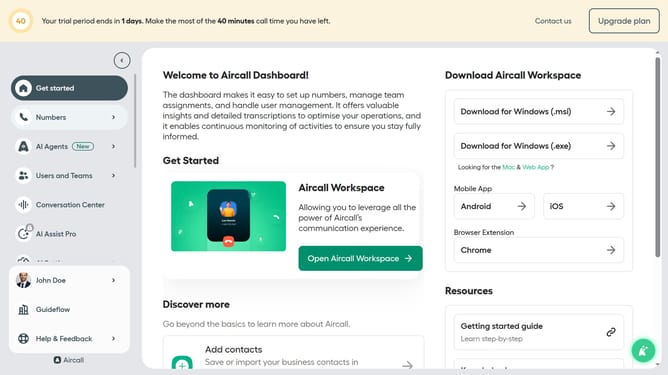
- First click on "Numbers" in the left sidebar
- Then click on the "Numbers" tab in the header
- Next click on the name of the number you want to manage from the table
- Then click on the "Edit" button
- Next, click on the "Ring to" element
- Then click on the "Wait for busy agents" toggle OFF switch
- Finally click on the "Publish" button
Why should you disable waiting for busy agents in team ring to in Aircall
Aircall is a cloud-based phone system designed to streamline team communication and support.
The feature to disable waiting for busy agents in a team ring allows calls to be efficiently redirected instead of keeping callers on hold. This can enhance productivity by ensuring that incoming calls are always directed to available agents, reducing wait times and enhancing customer satisfaction.
By activating this setting, teams can improve response rates and ensure that valuable opportunities are never missed. It's a simple yet impactful upgrade to enhance communication flow.
Last update