How to disable waiting for busy agents in a simultaneous team ring to in Aircall
Here is how to disable waiting for busy agents in a simultaneous team ring to in aircall
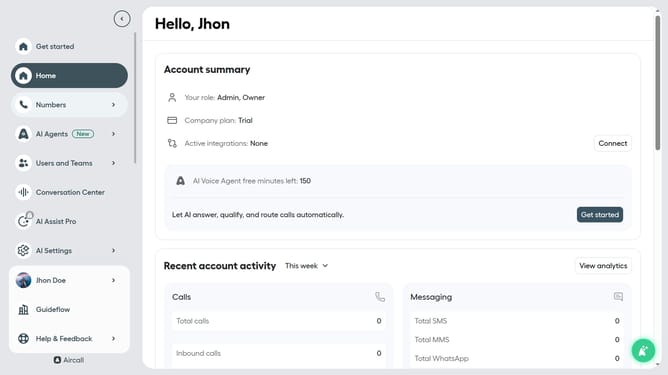
- First click on the "Numbers" item in the left sidebar
- Then click on the "Numbers" tab
- Next click on the name of the number you want to manage from the table
- Then click on the "Edit" button
- Then click on the "Ring to" element in the flow
- Then click on the "Wait for busy agents" toggle off
- Finally click on the "Publish" button
Why should you disable waiting for busy agents in a simultaneous team ring to in Aircall
Aircall is an intuitive cloud-based phone system designed to optimize communication for businesses of all sizes.
Disabling the waiting feature for busy agents in a simultaneous team ring ensures that no call lingers in the queue, waiting for an agent who is engaged.
This feature promotes efficiency, directing incoming calls to available team members without delay, ensuring a seamless caller experience.
Implementing such adaptability in call management elevates customer satisfaction while streamlining team operations.
Last update