How to add a preset automated question in AI voice agent in Aircall
Here is how to add a preset automated question in ai voice agent in aircall
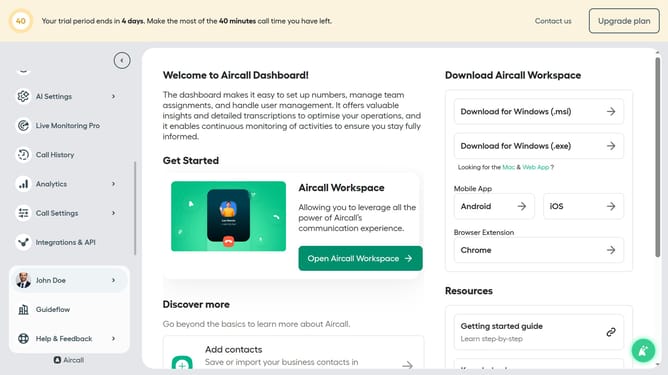
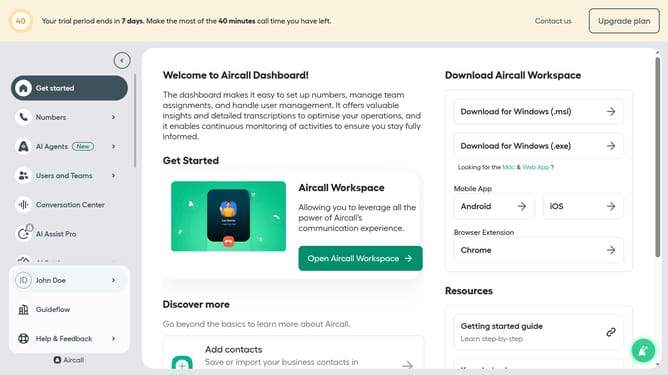
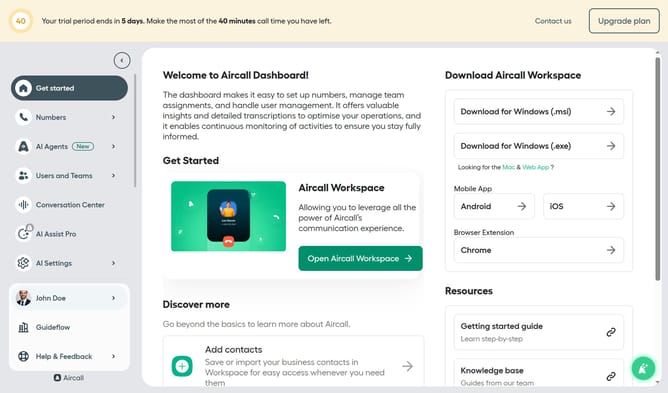
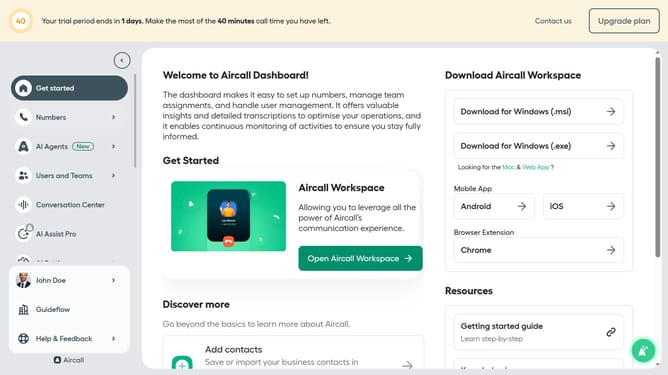
- First click on "AI Agents" item in the left sidebar
- Then click on "AI Voice Agents" item
- Next click on the voice entry you want to manage
- Then click on "Intake flow" item in the left panel
- Then click on "+ Add a question" button
- Next select from the presets dropdown list
- Finally click on "Save" button
Why should you add a preset automated question in AI voice agent in Aircall
Aircall is a cloud-based phone system designed to streamline business communications with intelligent features.
Adding a preset automated question to an AI voice agent in Aircall enhances customer interactions, ensuring a smooth and consistent customer service experience. This feature allows businesses to personalize automated greetings or collect vital information upfront, optimizing efficiency.
Using preset questions can significantly reduce call handling times and improve customer satisfaction, as it leads to quicker resolutions and a more tailored service approach.
Last update