How to set the ring duration in a call flow in Aircall
Here is how to set the ring duration in a call flow in aircall
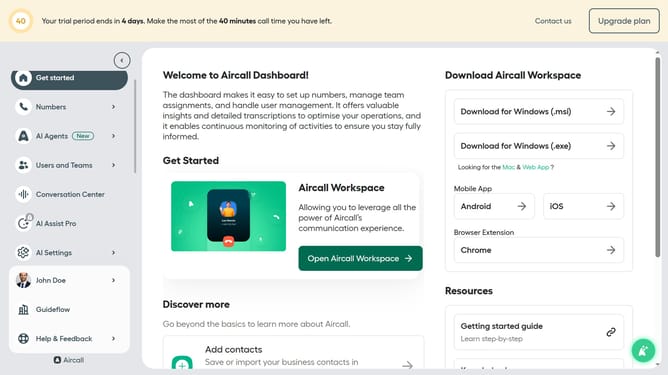
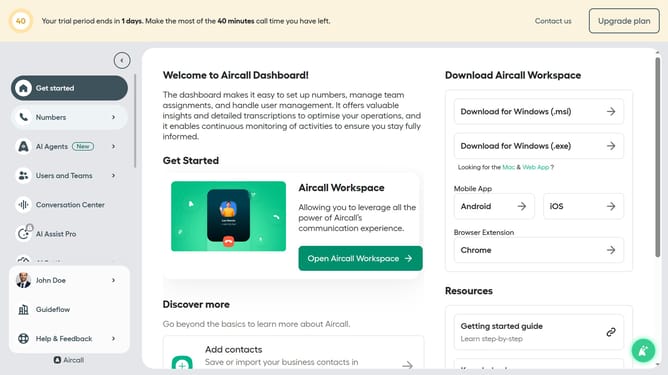
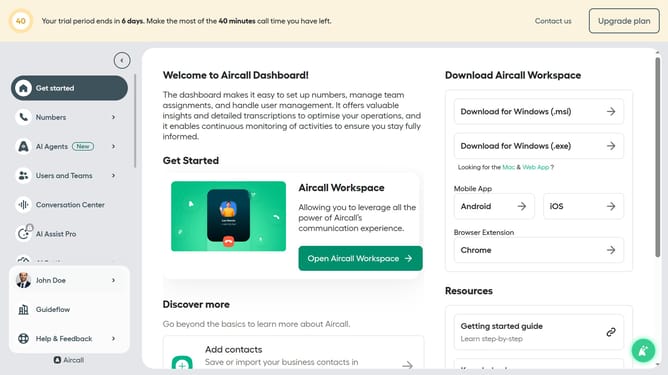
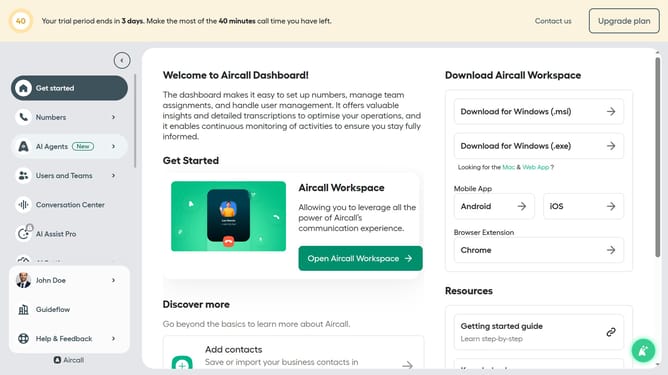
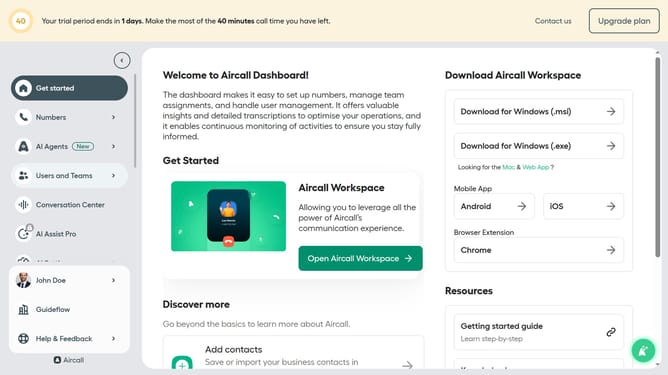
- First click on "Numbers" in the left sidebar
- Then click on the "Numbers" tab in the main content area
- Next click on the name of the number you want to manage from the table
- Then click on the "Edit" button
- After that, click on the user block in the Smartflow Editor
- Then click on the "Ring for" input field and adjust the time
- Finally click on the "Publish" button
Why should you set the ring duration in a call flow in Aircall
Aircall is a cloud-based phone system designed to streamline communication for businesses, offering seamless integration and ease of use.
Setting the ring duration in a call flow with Aircall customizes how long a contact will hear the ringing tone before an alternative action is taken. This feature ensures better management of customer expectations and enhances overall efficiency.
By optimizing the ring duration, businesses can reduce missed calls, provide timely responses, and improve customer satisfaction, all while maintaining smooth operations in the call handling process.
Last update