How to select a text-to-speech voice in IVR Aircall
Here is how to select a text-to-speech voice in ivr aircall
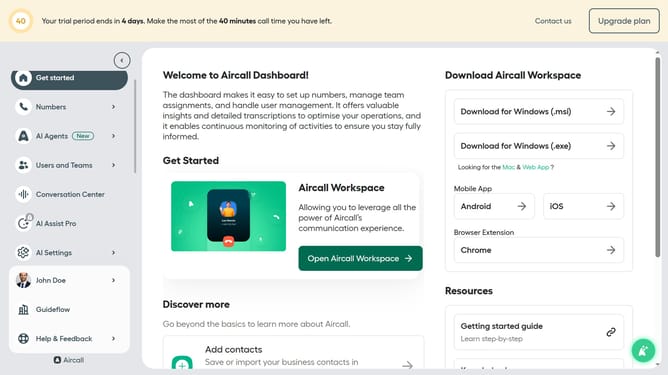
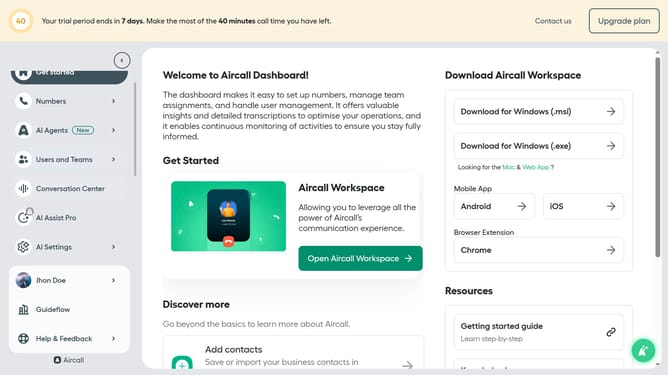
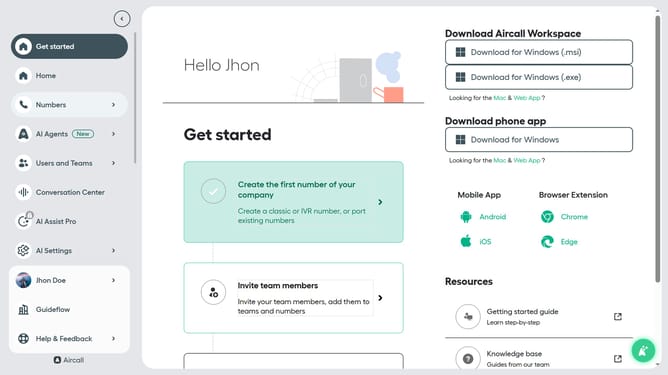
- First click on the "Numbers" item in the sidebar menu
- Then click on the "Numbers" tab
- Next click on the name of the number you want to manage from the table
- Then click on the "Edit" button
- Then click on the IVR card in the Smartflow Editor
- Then click on the "Retry management" section
- Then click on the "Voice" dropdown menu
- Then select from the voice options
- Finally click on the "Publish" button
Why should you select a text-to-speech voice in IVR Aircall
Aircall seamlessly enhances communication as a powerful cloud-based phone system designed for modern businesses.
A selecting a text-to-speech voice in IVR Aircall allows businesses to customize the caller experience with distinct and consistent messaging.
This feature is beneficial in establishing a professional brand image and improving customer engagement by providing clear instructions and information. By choosing the ideal voice, users can create an inclusive and personalized touch, fostering an inviting interaction that resonates with diverse customer needs.
Last update