How to add a ring to action in call flow in Aircall
Here is how to add a ring to action in call flow in aircall
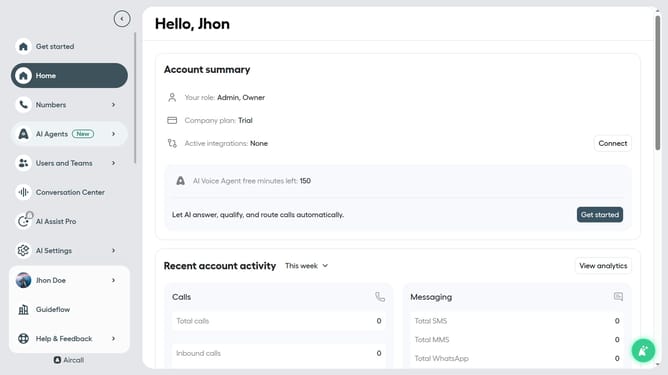
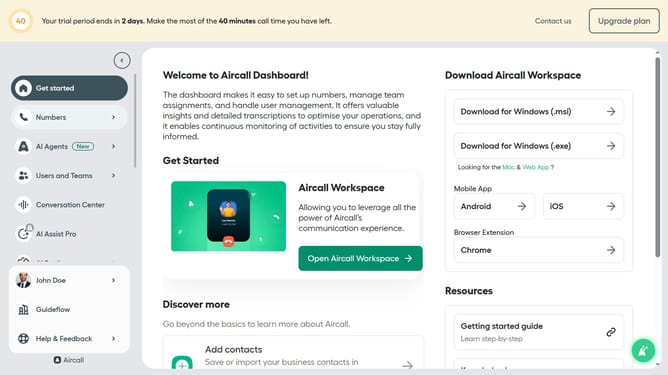
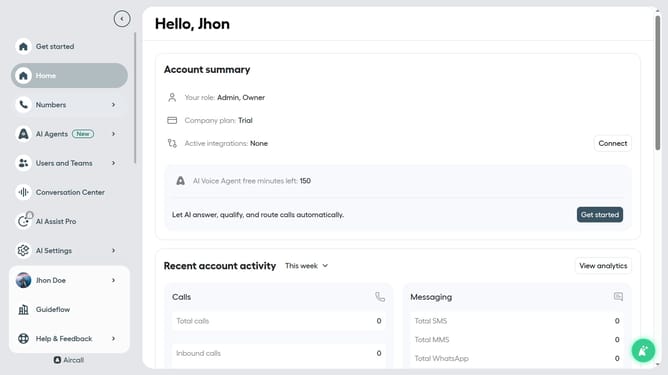
- First click on "Numbers" item in the sidebar
- Then click on the "Numbers" title in the header
- Next click on the name of the number you want to manage from the table
- Then click on the "Edit" button
- Then click on the "+" button to add a new step
- Then click on the "Ring to" option
- Then click on the "Select user" dropdown menu
- Then click on a user from the dropdown list
- Finally click on the "Publish" button
Why should you add a ring to action in call flow in Aircall
Aircall is a dynamic cloud-based phone system designed to enhance team collaboration and streamline communications.
The feature of adding a ring to action in call flow in Aircall enables businesses to create a seamless and professional communication experience. By integrating this feature, incoming calls can be directed effectively, ensuring that they reach the right person or department without delay.
This allows for improved customer satisfaction as calls are handled promptly and efficiently. The added structure in call handling also contributes to a more organized workflow, ultimately boosting team productivity.
Last update