How to prevent from automatically recording outgoing calls in Aircall
Here is how to prevent from automatically recording outgoing calls in aircall
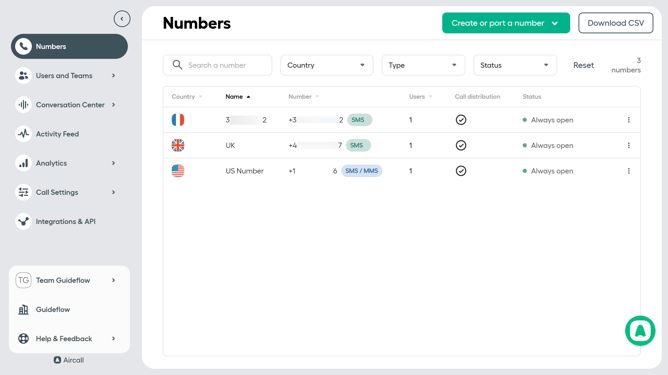
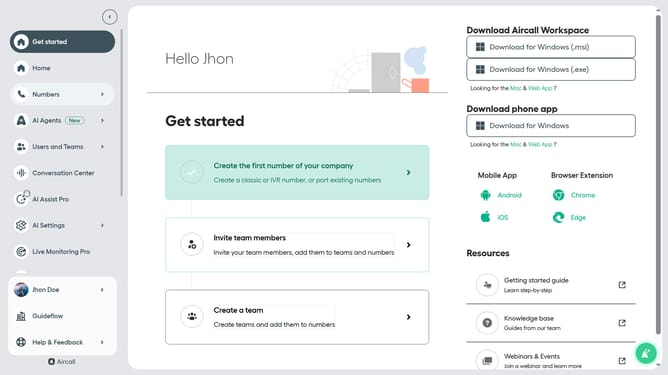
- First click on "Numbers" item in the left sidebar
- Then click on "Numbers" tab in the main content area
- Next click on the name of the number you want to manage
- Then click on the "Settings" button
- Finally, click on the toggle OFF switch for "Start recording automatically"
Why should you prevent from automatically recording outgoing calls in Aircall
Aircall is a versatile cloud-based phone system tailored for seamless communication.
One of its helpful features is the ability to prevent automatic recording of outgoing calls, offering added control over privacy and compliance.
This feature is particularly beneficial in industries where sensitive information is frequently shared and discretion is paramount.
By utilizing this functionality, businesses can ensure customer interactions remain confidential and in line with legal requirements.
Last update