How to set the number of retries in input IVR in Aircall
Here is how to set the number of retries in input ivr in aircall
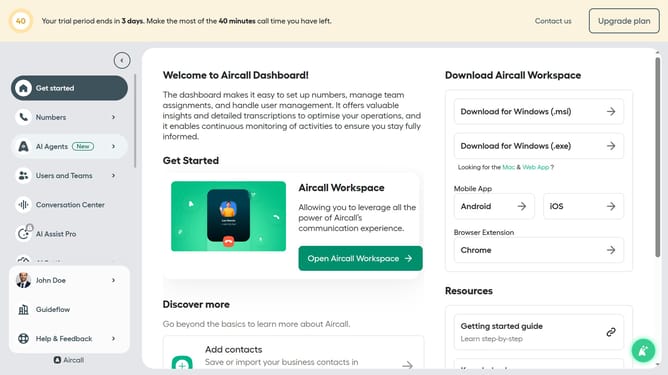
- First click on "Numbers" in the left sidebar
- Then click on "Numbers" tab
- Next click on the name of the number you want to manage from the table
- In the right panel, click the "Edit" button
- Then click on the "Input IVR" step within the flow
- Click on the the "Retry management" section
- Then click on the "Number of retries" dropdown
- Next, select a number from the list
- Finally click on the "Publish" button
Why should you set the number of retries in input IVR in Aircall
Aircall is a cloud-based phone system designed to streamline business communication effortlessly.
The ability to set the number of retries in input IVR within Aircall enhances caller experience by reducing the chances of frustration due to misdialed inputs.
Configuring retries ensures that callers can input the correct options without having to restart the call, saving both time and improving efficiency.
This feature ultimately leads to higher customer satisfaction, as it minimizes errors and makes the interaction process smoother and more intuitive.
Last update