How to delete an audio message in a call flow in Aircall
Here is how to delete an audio message in a call flow in aircall
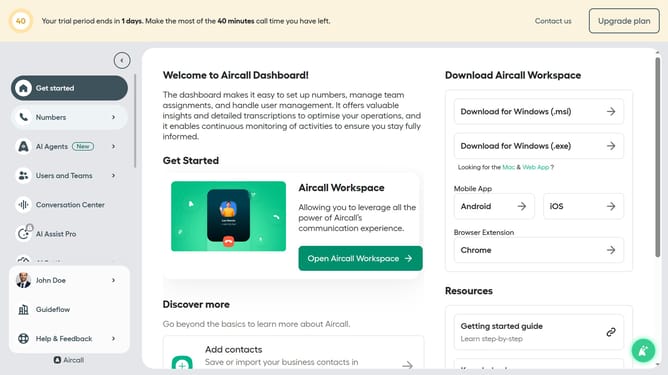
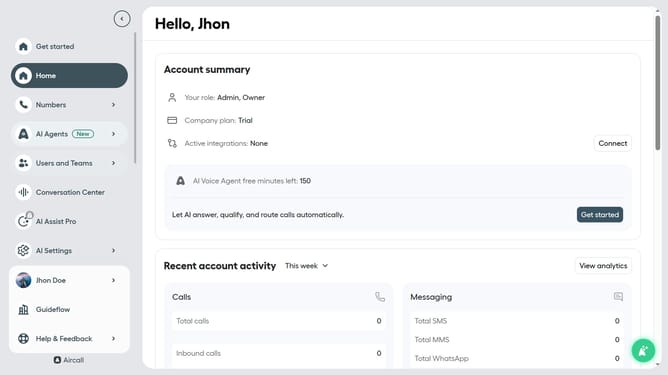
- First click on the "Numbers" option in the left sidebar
- Then click on the "Numbers" tab in the main content area
- Next click on the name of the number you want to manage from the table
- Then click on the "Edit" button
- After that, click on the three dots icon next to the audio you want to delete
- Then click on the "Delete step" option
- Finally click on the "Publish" button
Why should you delete an audio message in a call flow in Aircall
Aircall is a cloud-based phone system revolutionizing modern business communication with effortless integration and smart call management features.
One standout feature of Aircall is the ability to delete an audio message in a call flow, offering unmatched flexibility to manage call scenarios efficiently. By removing outdated or unnecessary messages, businesses can ensure that only the most relevant information is conveyed to callers.
This not only helps maintain a professional image but also streamlines caller interactions, minimizing confusion and enhancing the overall customer experience. Efficient call management effectively supports productivity and smooth communication.
Last update