How to test and play audio message in a call flow in Aircall
Here is how to test and play audio message in a call flow in aircall
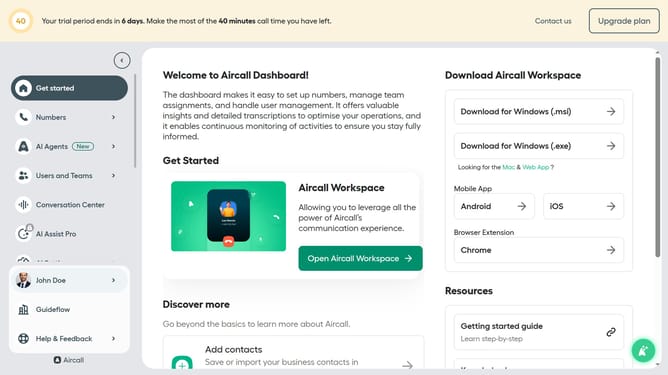
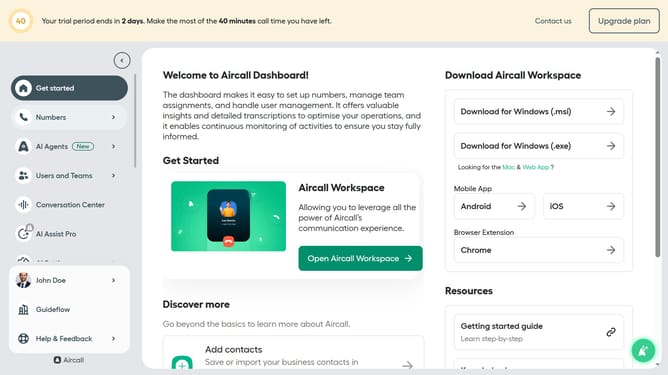
- First click on "Numbers" item in the left sidebar
- Then click on the "Numbers" tab in the main content area
- Next click on the name of the number you want to manage from the table
- After that, click on the "Edit" button
- Then click on the audio message element in the flow
- Next, click on the "Test and play" button
- Finally, click on the "Publish" button
Why should you test and play audio message in a call flow in Aircall
Aircall seamlessly elevates your communication experience with its modern phone system designed specifically for businesses.
The feature allowing you to test and play audio messages in a call flow is a significant asset. It ensures your tailored audio snippets are heard as intended, providing clarity and consistency to your communication efforts.
Using this feature allows you to craft messages that truly resonate with your audience. It helps maintain a professional image by ensuring smooth and effective call flows.
Furthermore, testing audio messages in advance minimizes potential errors, enhancing overall customer satisfaction and operational efficiency.
Last update