How to set your availability in Aircall
Here is how to set your availability in aircall
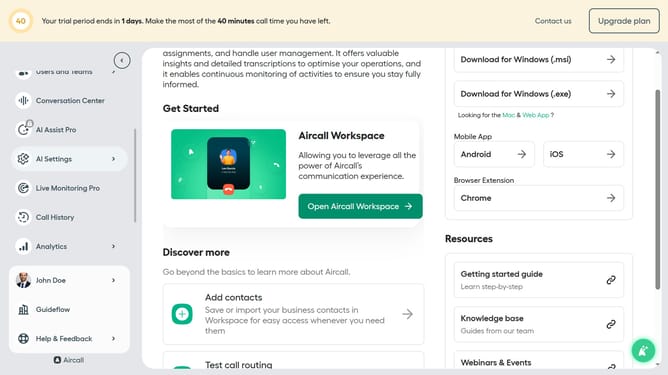
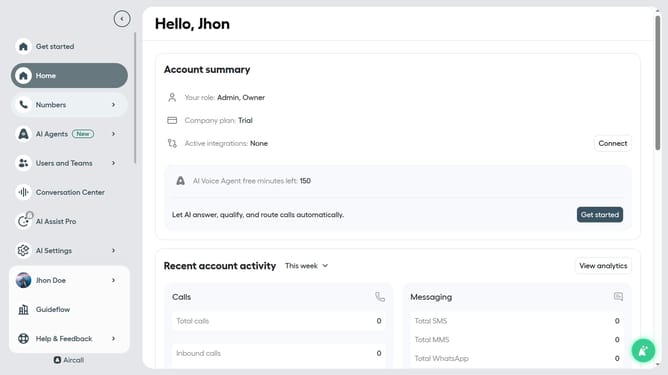
- First click on your user profile in the left sidebar
- Then click on the 'Edit profile' option
- Then click on the 'Availability' tab
- Then click on the dropdownon "Availability" section
- Then select 'Available' from the dropdown list
- Finally click on the 'Save changes' button
Why should you set your availability in Aircall
Aircall is a top-tier cloud-based phone system designed to enhance communication efficiency for businesses worldwide.
Setting your availability in Aircall enables you to manage your work-life balance and enhance productivity by informing your teammates of your current status. With this feature, you can ensure seamless communication by updating your availability so colleagues know when you're ready to take calls or need focus time.
This function optimizes teamwork, reduces downtime, and ensures prioritized call management, allowing for a more organized workflow and better service delivery.
Last update