How to test a retry message in IVR in Aircall
Here is how to test a retry message in ivr in aircall
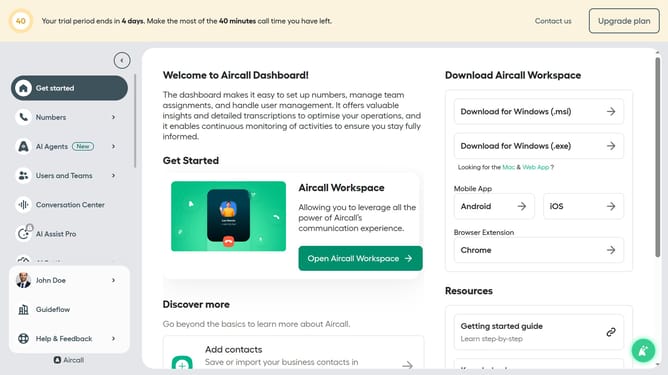
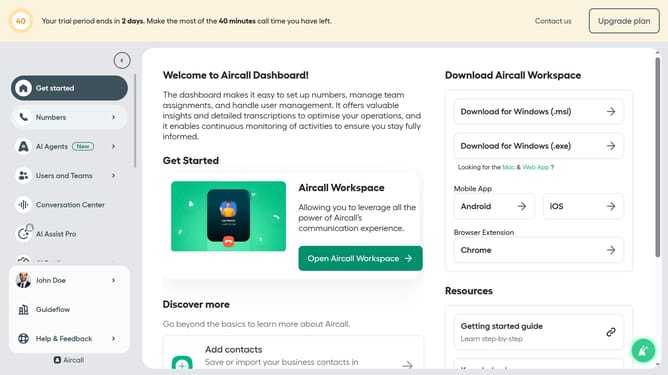
- First click on "Numbers" in the left sidebar
- Then click on "Numbers" sub-item in the displayed menu
- Next click on the name of the number you want to manage from the table
- Then click on the "Edit" button
- Click on the IVR element in the flow chart
- Click on the "Retry management" section in the right panel
- Finally click on the "Test and play" button
Why should you test a retry message in IVR in Aircall
Aircall is a cloud-based phone system designed to streamline your communication needs seamlessly.
The retry message feature in Aircall's Interactive Voice Response (IVR) helps ensure that callers receive the right prompts, even after initial input errors.
Utilizing this feature allows businesses to enhance their customer experience by reducing frustration and improving call navigation. It facilitates smooth interaction, thereby increasing efficiency and satisfaction.
Testing a retry message ensures that the system is responsive and intuitive, ultimately creating a more robust customer support environment.
Last update