How to delete an AI voice agent in Aircall
Here is how to delete an ai voice agent in aircall
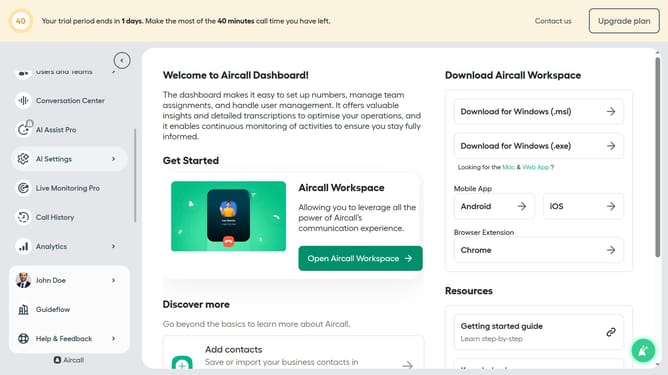
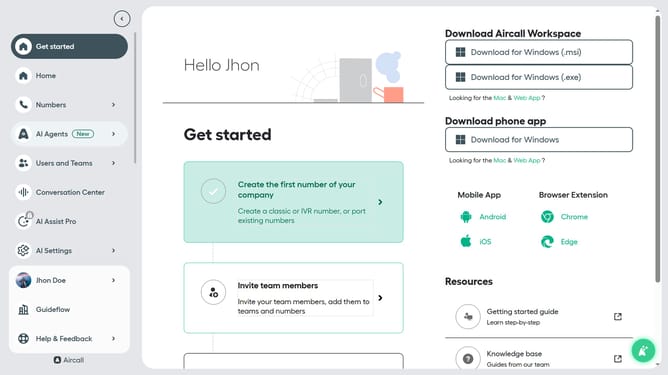
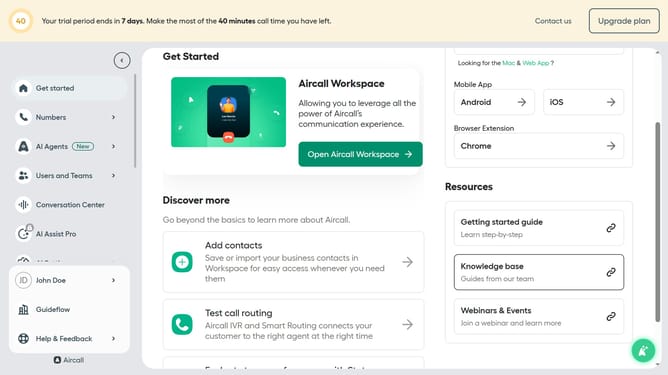
- First click on "AI Agents" in the sidebar menu
- Then click on the "AI Voice Agents" option
- Then click on the three dots icon next to the agent you want to delete
- Then select the "Delete" option from the dropdown menu
- Finally click on the "Delete AI Voice Agent" button
Why should you delete an AI voice agent in Aircall
Aircall stands as an intuitive, cloud-based phone solution designed to streamline communication for modern businesses.
Removing an AI voice agent in Aircall is straightforward, allowing companies to tailor their communication setup effortlessly.
This feature ensures your phone system remains flexible, adapting to changing needs and optimizing operational efficiency.
By managing AI agents effectively, teams maintain clarity and focus, ultimately enhancing customer interactions.
Last update