How to enable company context in Aircall
Here is how to enable company context in aircall
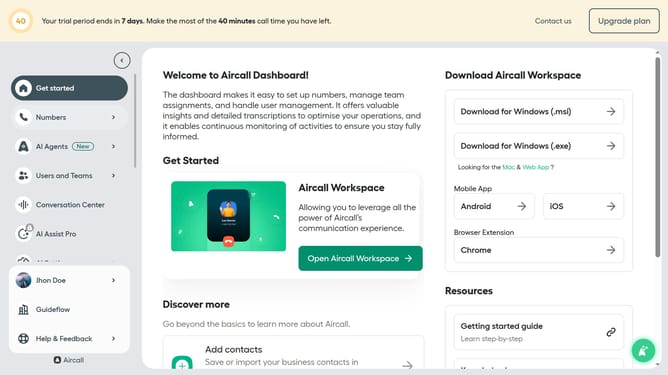
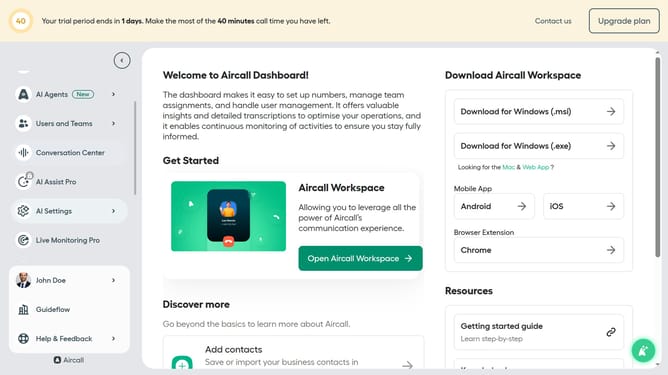
- First click on "AI Settings" option in the left sidebar
- Then click on "Company context" option
- Then click on the "Generate" button
- Finally click on the "Enable Company Context" toggle ON
Why should you enable company context in Aircall
Aircall is a cloud-based phone system designed to streamline communications for customer-centric teams.
Enabling company context within Aircall enhances your calling experience by providing valuable insights about the organizations you interact with.
It empowers your team with essential backgrounds, promoting more personalized and efficient conversations.
Leveraging this feature not only improves team knowledge but also boosts customer satisfaction and loyalty, by making every call more impactful and relevant.
Last update