How to add additional date on special dates in Aircall
Here is how to add additional date on special dates in aircall
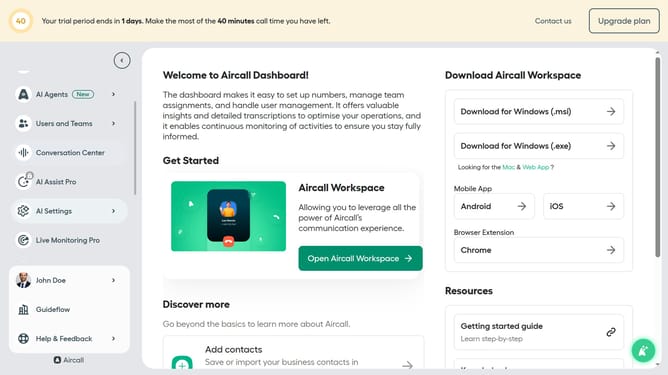
- First click on "Call Settings" in the left sidebar menu
- Then select "Special dates" from the expanded menu
- Next, click on the event name in the list of special dates.
- After that, click on the "+ Add dates" button
- Finally, click on the "Save" button on the page
Why should you add additional date on special dates in Aircall
Aircall is a cloud-based phone system optimized for seamless business communication.
The ability to add additional dates on special occasions in Aircall enhances flexibility for managing your call schedules.
This feature allows businesses to adapt their communication infrastructure to unique holiday schedules, ensuring no call is missed or mistimed.
Utilizing this feature empowers companies to maintain uninterrupted service, all while fostering exceptional customer interactions during significant periods.
Last update