How to set greeting message in messaging AI in Aircall
Here is how to set greeting message in messaging ai in aircall
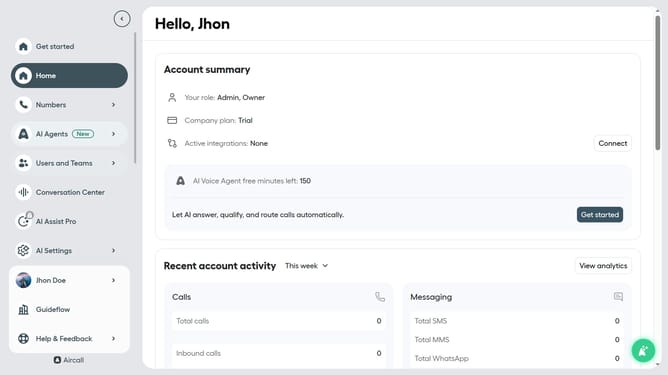
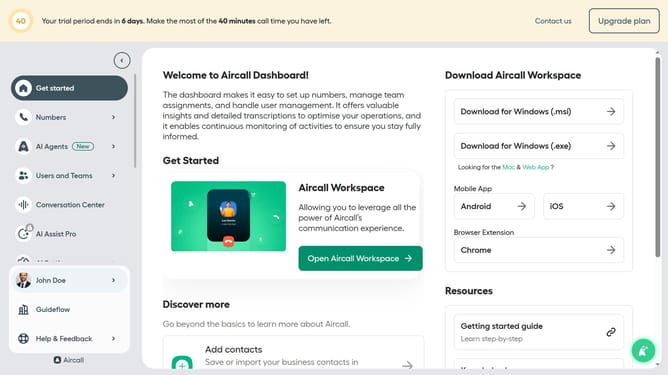
- First click on "AI Agents" in the left sidebar menu
- Then click on "AI Messaging Agents" link
- Next click on the messaging entry you want to manage
- Then click on "Messaging script" in the left sidebar
- Next click on the "Greeting messaging" text field and edit it
- Finally click on the "Save" button
Why should you set greeting message in messaging AI in Aircall
Aircall is a cloud-based phone system designed to simplify communication for businesses worldwide.
Setting a greeting message in the messaging AI of Aircall enhances your customer's initial experience. A personalized greeting ensures that your clients feel valued right from the start, establishing a strong professional impression.
This feature offers the flexibility to craft messages that are in line with your brand's identity, creating a consistent voice across various communication channels.
By utilizing this feature, you can increase customer satisfaction and efficiency in communication.
Last update