How to change waiting music in Aircall
Here is how to change waiting music in aircall
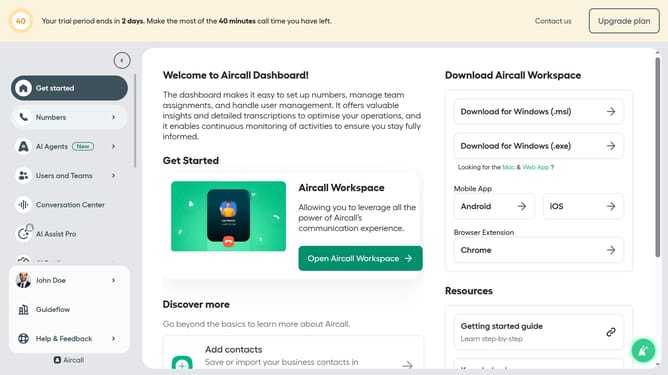
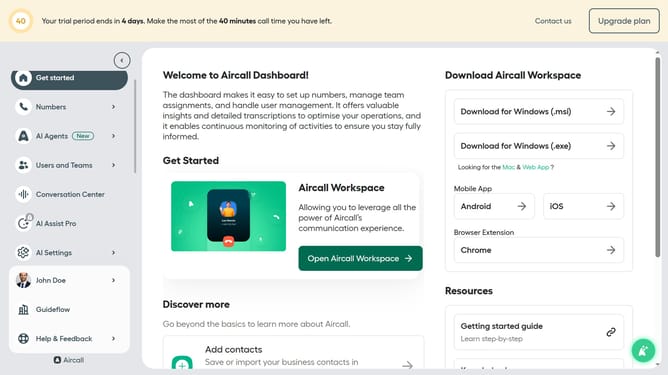
- First click on "Numbers" in the left sidebar navigation
- Then click on the "Numbers" tab in the main content area
- Next click on the name of the number you want to manage from the table
- Then click on the "Edit" button
- Then click on the "Waiting experience" section
- Then click on the audio dropdown
- Then select from the dropdown menu
- Finally click on the "Publish" button
Why should you change waiting music in Aircall
Aircall is a powerful cloud-based phone system designed to elevate your business communication.
Changing the waiting music in Aircall is a feature that enhances the caller's experience during hold times. Personalizing the waiting music can reflect your brand's identity, making every touchpoint with your customers seem thoughtful and professional.
This feature benefits businesses by creating a positive and engaging atmosphere, ensuring that the waiting period is both entertaining and less intrusive for clients.
Last update