How to create a user in Aircall
Here is how to create a user in aircall
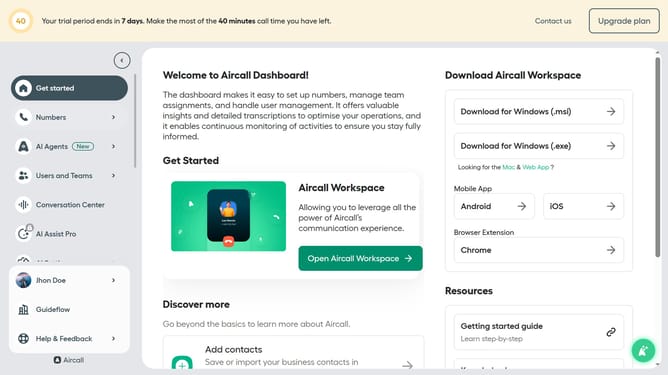
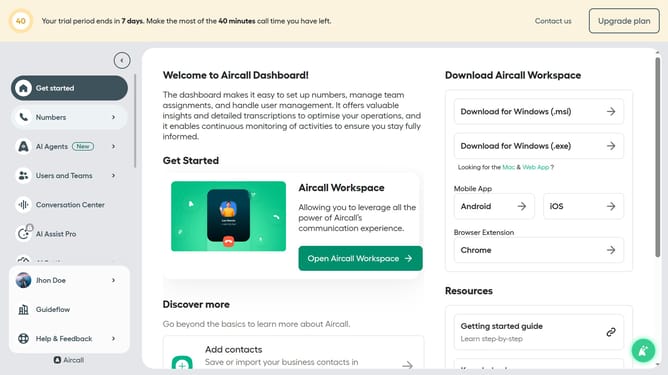
- First click on the "Users and Teams" item in the left sidebar
- Then click on the "All users" option that appears
- Next, click on the "Create one or multiple users" button in the header
- Then select "Create one user" from the dropdown menu
- Click on the "First name" input field and enter information
- Click on the "Last name" input field and enter information
- Click on the "Email" input field and enter information
- Then click on the "Create user" button
- Finally on the "Close" button to close the success message
Why should you create a user in Aircall
Aircall is a versatile cloud-based phone system designed for seamless communication.
Creating a user in Aircall is intuitive, promoting team collaboration with ease and efficiency.
This feature allows businesses to enhance team productivity, ensuring that each member can step into a structured process swiftly.
By facilitating smooth user creation, Aircall aids in streamlining operations and fostering a more connected and productive work environment.
Last update