How to test the callback message in Aircall
Here is how to test the callback message in aircall
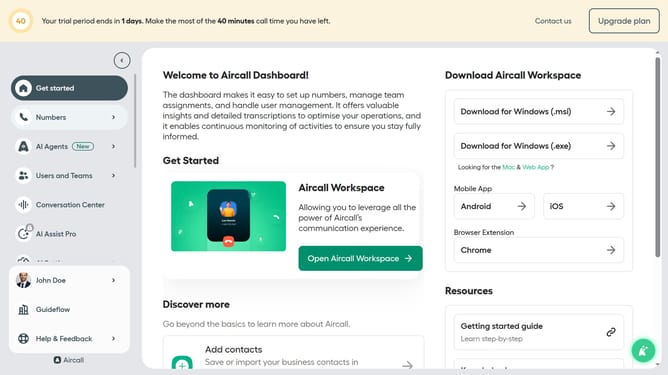
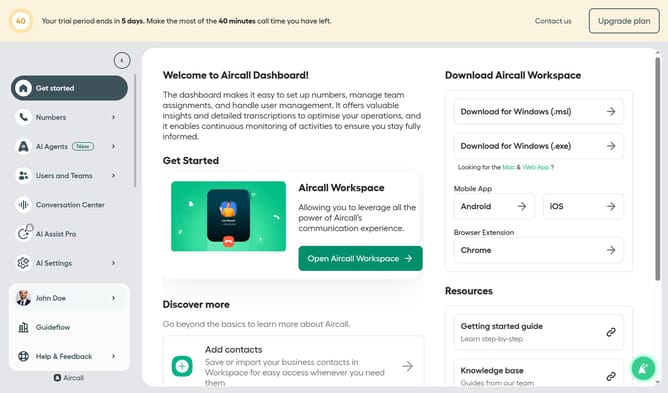
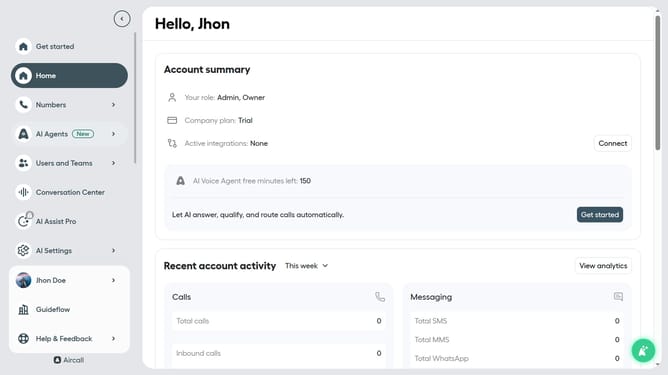
- First click on "Numbers" item in the left sidebar
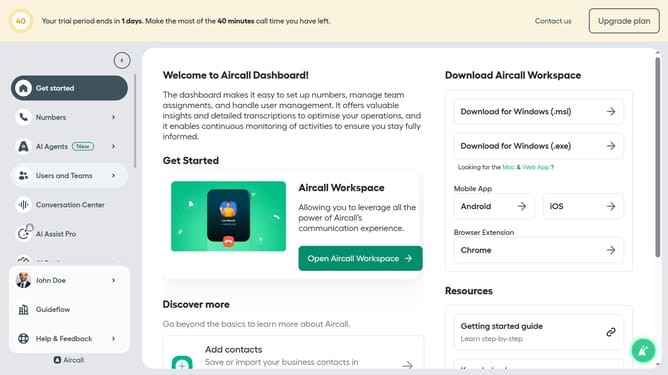
- Then click on "Numbers" item in the left sidebar
- Next click on the name of the number you want to manage
- Then click on "Settings" tab
- Finally click on "Test and play" button
Why should you test the callback message in Aircall
Aircall is a cutting-edge cloud-based phone system designed to streamline business communication.
The ability to test callback messages ensures that your customers receive timely responses, showcasing efficiency and reliability.
Utilizing this feature allows businesses to seamlessly manage customer expectations, reducing wait times and enhancing overall satisfaction.
Offering this proactive approach not only builds trust but also fosters deeper connections with clients, solidifying long-term relationships.
Last update