How to set input confirmation in an input IVR in Aircall
Here is how to set input confirmation in an input ivr in aircall
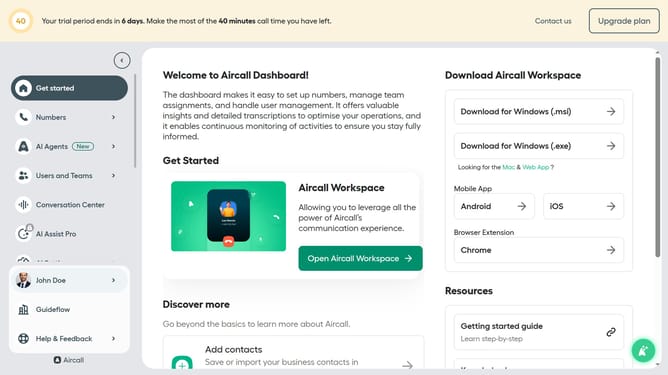
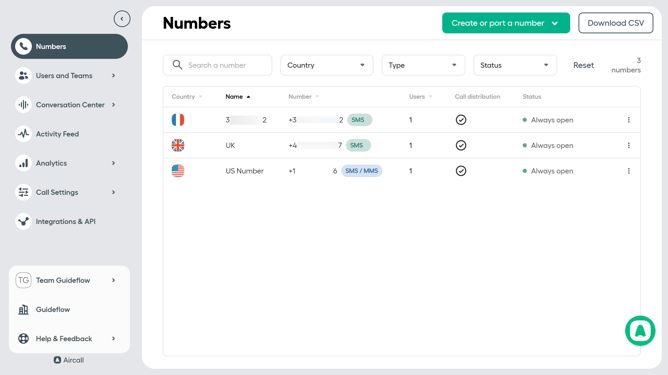
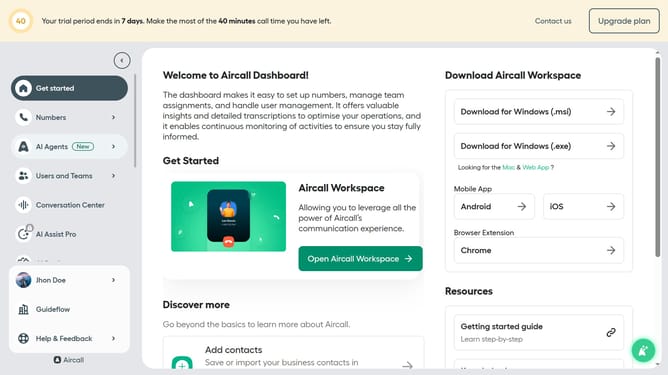
- First click on "Numbers" link in the left sidebar
- Then click on "Numbers" in the opened dropdown
- Next click on the name of the number you want to manage from the table
- Then click on the "Edit" button
- Then click on the "Input IVR" element
- Then click on the "Input confirmation" dropdown
- Then select from the dropdown option
- Finally click on the "Publish" button
Why should you set input confirmation in an input IVR in Aircall
Aircall is a cutting-edge cloud-based phone system designed to enhance business communication effortlessly.
Setting input confirmation in an input IVR within Aircall allows users to ensure that callers are routed correctly based on their input. This smart feature minimizes errors and enhances customer satisfaction by confirming the selected options before proceeding.
By leveraging input confirmation, businesses can reduce call handling time and improve the accuracy of call routing, ultimately leading to smoother interactions and increased customer trust. It's a small feature with significant impact on both operational efficiency and customer experience.
Last update