How to set wrap up time in Aircall
Here is how to set wrap up time in aircall
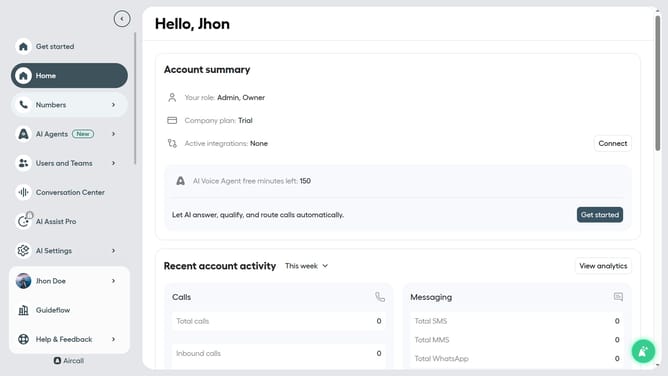
- First click on your user profile in the left sidebar
- Then click on the 'Edit profile' option from the dropdown menu
- Next, select the 'Call preferences' tab
- After that, click on the minute "Wrap-up time" and enter value
- After that, click on the sec "Wrap-up time" and enter value
- Finally, click on the 'Save changes' button
Why should you set wrap up time in Aircall
Aircall is a cloud-based phone system designed to streamline business communication and enhance team collaboration.
Setting wrap-up time in Aircall is a valuable feature that allows agents a designated period to finalize call-related tasks before moving to the next call. This brief interval provides space for agents to jot down notes, update CRM entries, or prepare for the following conversation.
Utilizing wrap-up time ensures efficiency and boosts productivity by reducing errors. It also enhances customer experience through more accurate and personalized follow-ups.
Last update