How to change tone of voice in an outbound AI voice agent in Aircall
Here is how to change tone of voice in an outbound ai voice agent in aircall
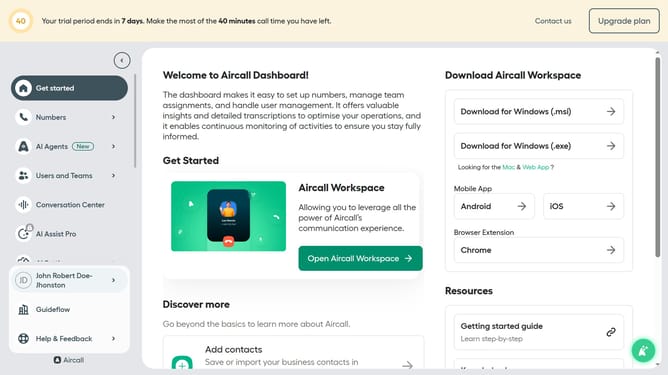
- First click on "AI Agents" in the left sidebar
- Then click on "AI Voice Agents" from the dropdown menu
- Next, click on outbound AI voice agent in the table
- Then click on a tone of voice option
- Finally click on the "Save" button
Why should you change tone of voice in an outbound AI voice agent in Aircall
Aircall is a sophisticated cloud-based phone system designed to streamline communication for businesses.
One of the standout features of Aircall is the ability to change the tone of voice in its outbound AI voice agent. This feature empowers companies to tailor their communication style, ensuring interactions resonate well with diverse audiences.
By adjusting the tone, businesses can project professionalism, warmth, or enthusiasm, aligning perfectly with their brand identity and improving customer engagement.
This adaptability not only enhances the user experience but also fosters stronger relationships and trust with clients.
Last update