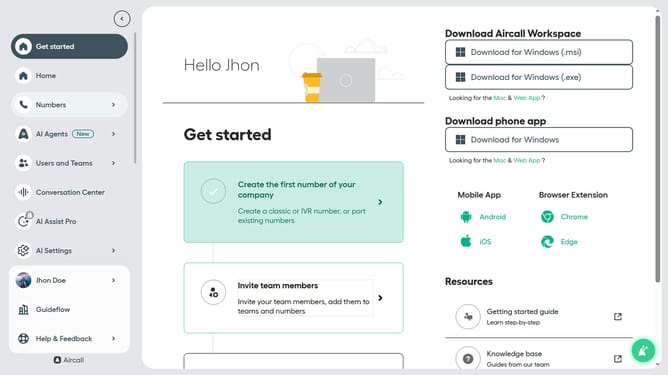
How to enable waiting for busy agents in team ring to in Aircall
Here is how to enable waiting for busy agents in team ring to in aircall
- First, click on the "Numbers" item in the left sidebar
- Then, click on the "Numbers" tab
- Next click on the name of the number you want to manage from the table
- After that, click on the "Edit" button
- Then, click on the "Ring to" step in the smartflow editor
- Next, click on the "Wait for busy agents" toggle on
- Finally, click on the "Publish" button
Why should you enable waiting for busy agents in team ring to in Aircall
Aircall is a cloud-based phone system designed to simplify and enhance business communication.
With the "waiting for busy agents in team ring" feature, Aircall ensures that no call goes unanswered. Instead of redirecting a call when all agents are busy, this feature places callers in a queue.
This is beneficial as it optimizes customer experience by reducing missed opportunities and improving response times. Customers can be assured that their calls are a priority, enhancing satisfaction and loyalty.
Last update