How to create a new tag in Aircall
Here is how to create a new tag in aircall
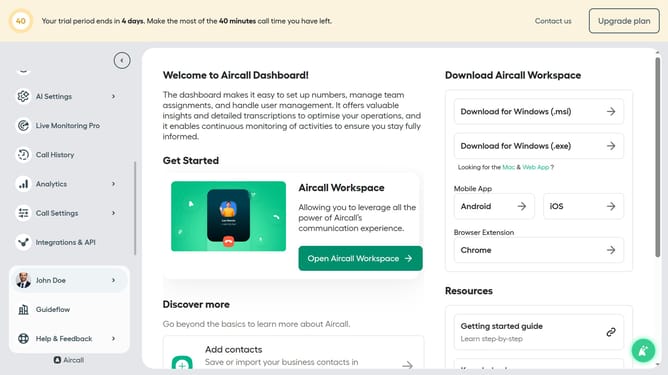
- First click on the "Call Settings" item in the left sidebar
- Then select "Tags" from the expanded Call Settings menu
- Next, click on the "+ Add a tag" button
- Enter a label in the "Label" input field
- Finally, click on the "Confirm" button
Why should you create a new tag in Aircall
Aircall is a powerful cloud-based phone system designed to streamline communication for businesses.
Creating a new tag in Aircall enables you to efficiently categorize calls, enhancing organization and focus for your team.
By leveraging this feature, users can prioritize follow-ups and streamline workflow, ultimately improving productivity and customer satisfaction.
Incorporating tags in call management not only simplifies tracking but also provides valuable insights into customer interactions, aiding strategic decision-making.
Last update