How to integrate Hubspot in Aircall
Here is how to integrate hubspot in aircall
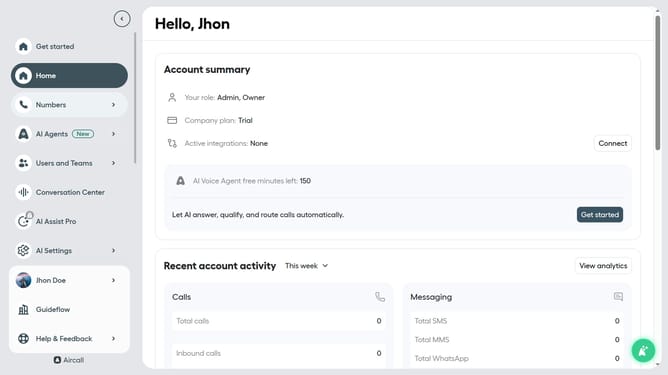
- First, click on "Integrations" in the left sidebar
- Then, select "Apps" from the integrations dropdown menu
- Next, click on the "HubSpot" application card
- After that, click on the "Install app" button
- Then, click on the "Authorize" button
- Next, click on the "Skip for now" button
- Then, click on the "Sign in to your HubSpot account" button
- Finally, click on the "Choose Account" button after signing in
Why should you integrate Hubspot in Aircall
Aircall is a cloud-based phone system designed to enhance collaboration and communication.
Integrating HubSpot with Aircall is a seamless way to boost productivity and streamline business processes. This integration connects your call data with your customer relationship management system, ensuring every conversation is tracked and organized seamlessly.
By using the HubSpot integration in Aircall, businesses can make informed decisions with detailed call insights and history at their fingertips, ultimately improving customer service and team efficiency.
Last update