How to enable estimated waiting time announcements in Aircall
Here is how to enable estimated waiting time announcements in aircall
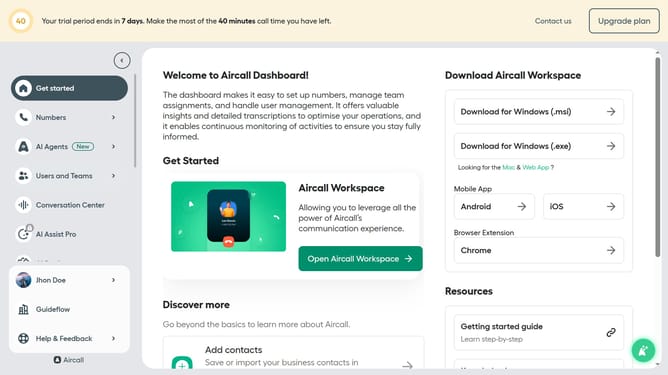
- First click on "Numbers" in the left sidebar menu
- Then click on the "Numbers" tab in the main content area
- Next click on the name of the number you want to manage from the table
- Then click on the "Edit" button
- In the Smartflow Editor, click on the "Waiting experience" node
- Then click on the toggle switch to enable "Let callers know their estimated waiting time"
- Finally, click on the "Publish" button
Why should you enable estimated waiting time announcements in Aircall
Aircall is a cloud-based phone system designed to streamline call center and customer support operations.
One of its valuable features is the estimated waiting time announcements, which provide callers with real-time information about their queue. Activating this feature can significantly enhance the caller experience by reducing uncertainty and frustration, leading to higher customer satisfaction.
By transparently communicating wait times, businesses can manage call volumes more effectively and maintain a positive brand image.
Last update