How to delete a branch in standard IVR in a call flow in Aircall
Here is how to delete a branch in standard ivr in a call flow in aircall
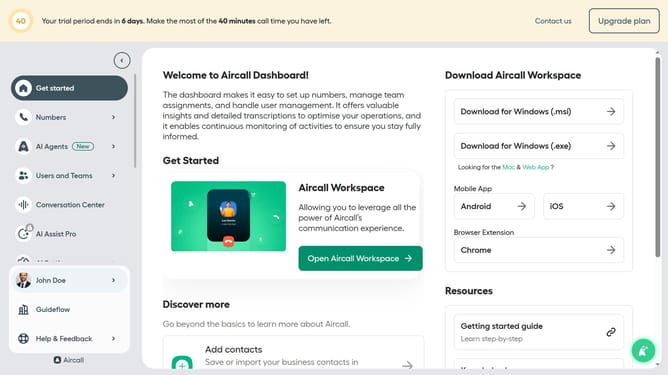
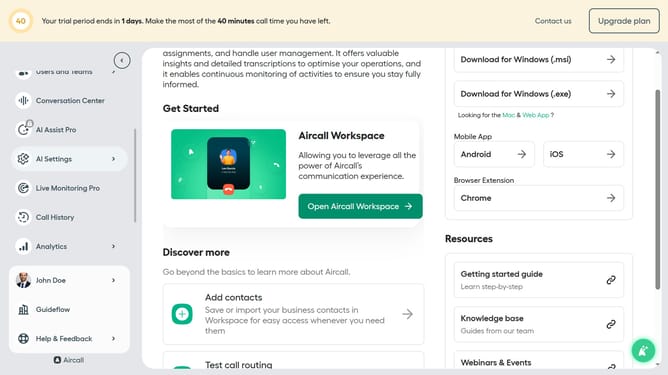
- First click on "Numbers" in the left sidebar
- Then click on the "Numbers" tab in the header
- Next, click on the "Customer Service" row to select it
- Then click on the "Edit" button
- In the editor, click on the IVR element
- Then click on the three-dot menu next to the branch you want to delete
- Next, click on the "Delete branch" option
- Finally, click on the "Publish" button in the top right corner of the screen
Why should you delete a branch in standard IVR in a call flow in Aircall
Aircall is a cloud-based phone system designed to enhance team collaboration and customer interactions.
Deleting a branch in the standard IVR in a call flow on Aircall is a straightforward process that enhances call management by simplifying the call journey for your clients.
By removing unnecessary branches, you can create a more efficient, streamlined experience, allowing callers to connect with the right department faster and improving overall customer satisfaction.
Last update