How to disable automated callbacks in Aircall
Here is how to disable automated callbacks in aircall
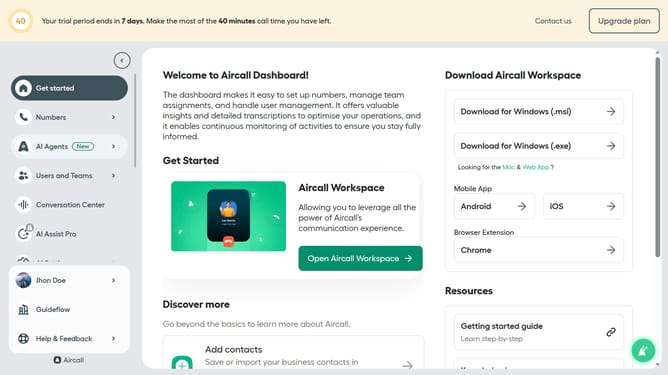
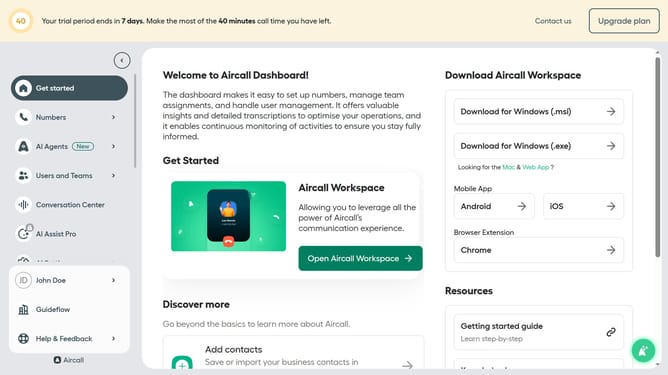
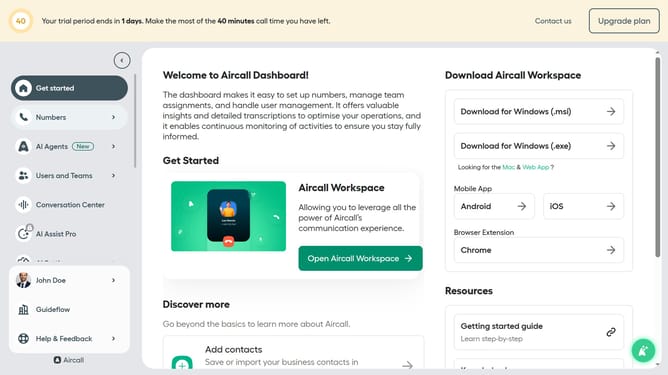
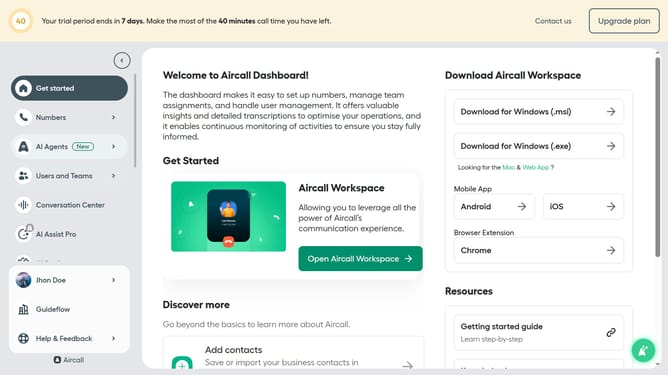
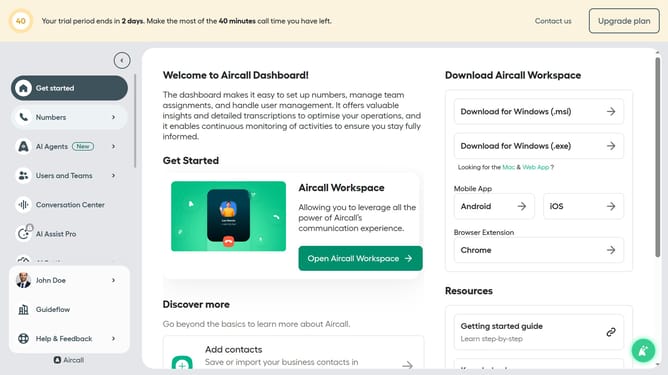
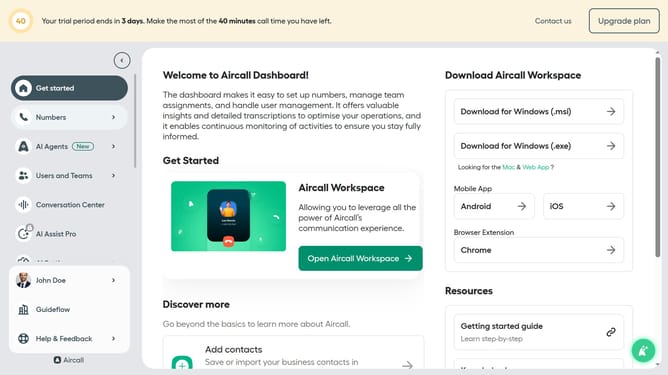
- First click on the "Numbers" item in the left sidebar
- Then click on the "Numbers" tab in the main content area
- Next click on the name of the number you want to manage
- Then click on the "Settings" tab
- Finally click on the toggle OFF for "Automated callback"
Why should you disable automated callbacks in Aircall
Aircall is a cloud-based phone system designed to simplify and enhance business communications.
One notable feature is the ability to disable automated callbacks, which allows users to have more control over their call flow. By doing so, teams can prioritize more urgent calls over automated responses, ensuring that customer interactions are timely and efficient.
This flexibility not only streamlines operations but also enhances overall productivity, allowing businesses to focus on what truly matters: delivering exceptional customer service.
Last update