How to delete a contact in Aircall
Here is how to delete a contact in aircall
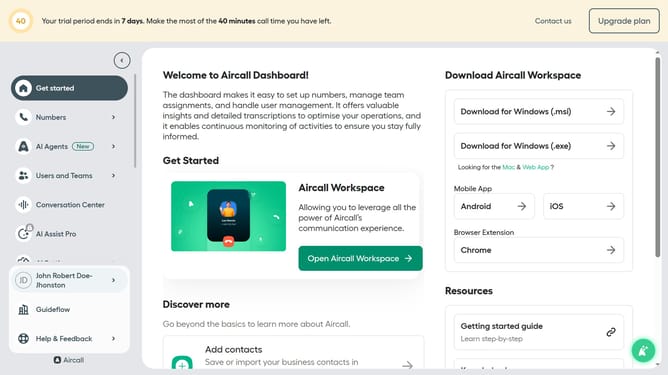
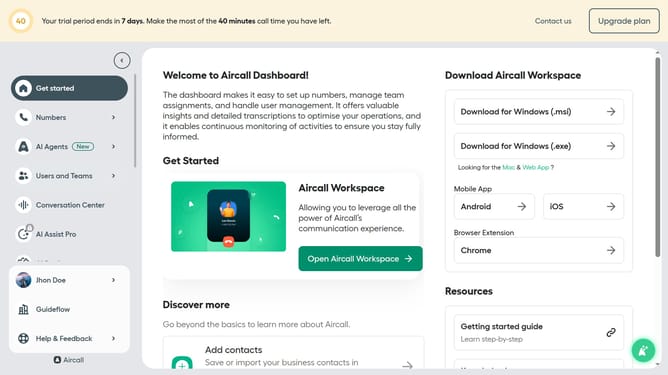
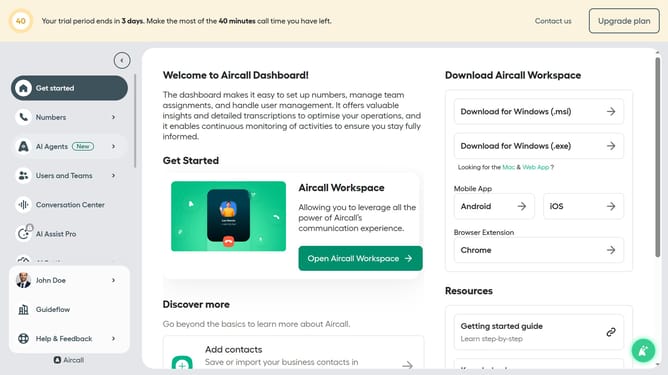
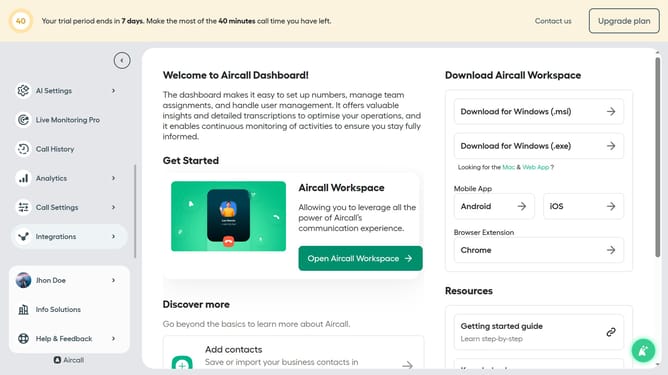
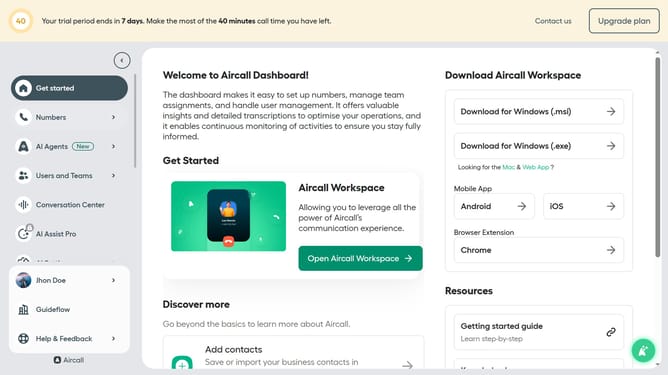
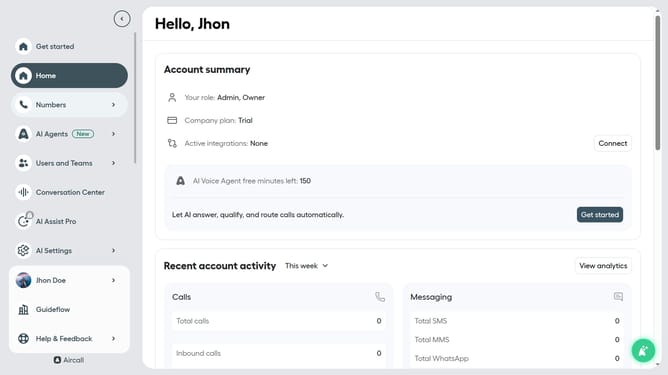
- First, click on the "Open Aircall Workspace" button
- Then, click on the "Contacts" item in the left sidebar
- Next, select a contact from the list
- After that, click on the three dots icon
- Then, click on the "Delete contact" option
- Finally, click on the "Delete contact" button to confirm the deletion
Why should you delete a contact in Aircall
Aircall is a cloud-based phone system designed to streamline communication processes for businesses.
Deleting a contact in Aircall is a straightforward feature that enhances user control over their contact list.
This functionality is vital for maintaining an up-to-date and relevant directory, ensuring that your team interacts efficiently with current stakeholders.
By eliminating outdated or incorrect entries, businesses can improve call management and focus on maintaining productive connections.
Last update