How to automatically record outgoing calls in Aircall
Here is how to automatically record outgoing calls in aircall
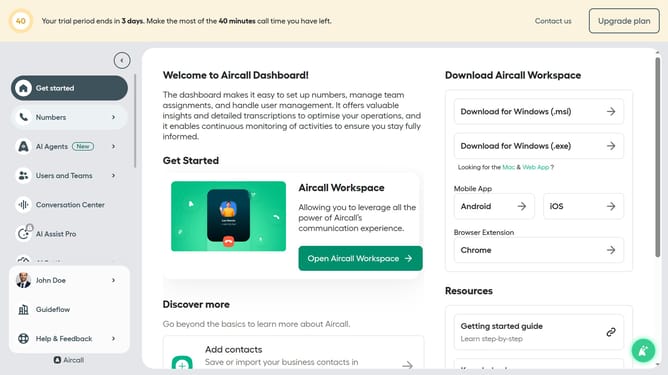
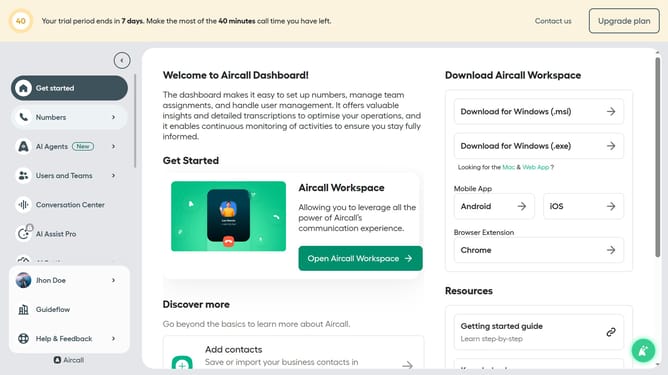
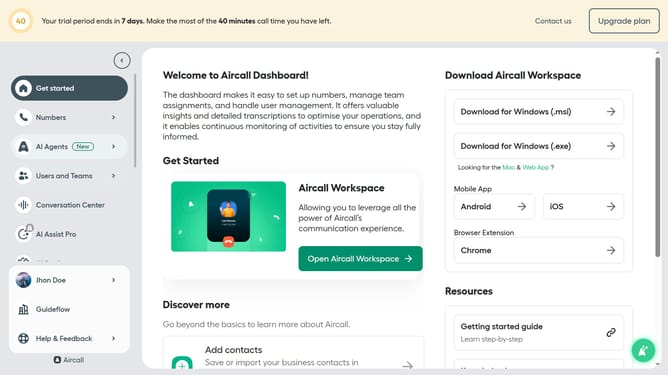
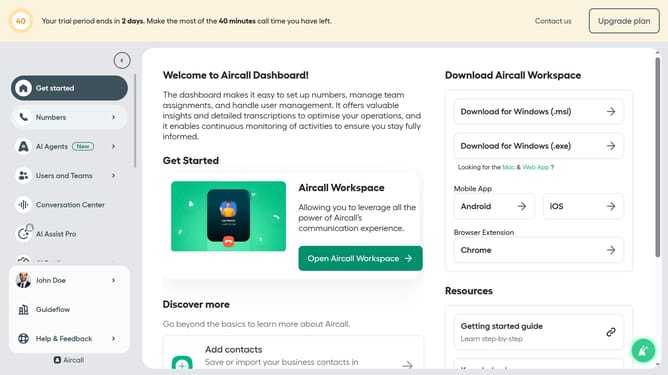
- First click on "Numbers" item in the sidebar menu
- Then click on "Numbers" tab in the main content area
- Next click on the name of the number you want to manage
- Then click on the "Settings" tab
- Finally, click on the switch for "Start recording automatically"
Why should you automatically record outgoing calls in Aircall
Aircall is a cutting-edge cloud-based phone system designed to streamline communication for businesses.
The automatic recording of outgoing calls in Aircall is a powerful feature that ensures every conversation is captured without needing manual intervention.
This capability is invaluable for maintaining clear records, enhancing training processes, and ensuring compliance with industry regulations.
By having an accessible archive of calls, businesses can easily revisit conversations to improve customer interactions and foster accountability.
Last update