How to delete an automated question in AI voice agent in Aircall
Here is how to delete an automated question in ai voice agent in aircall
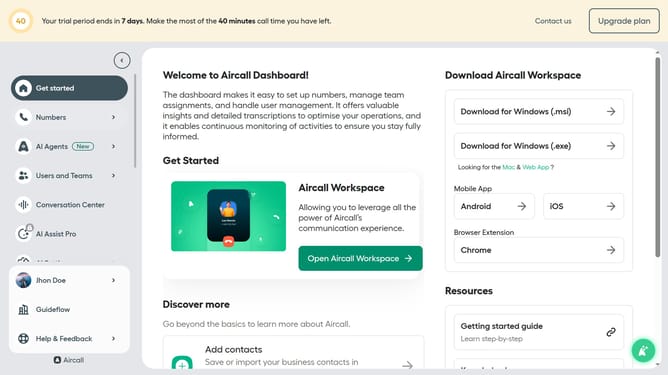
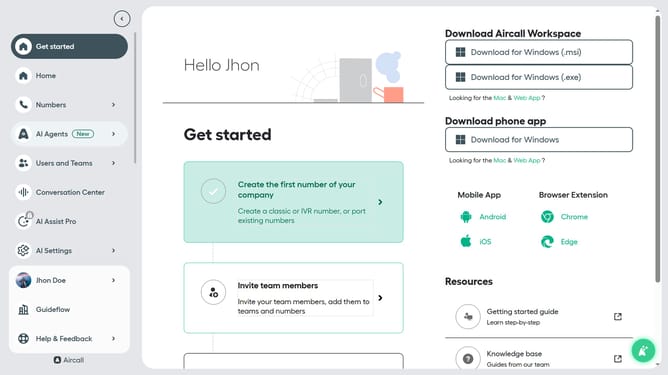
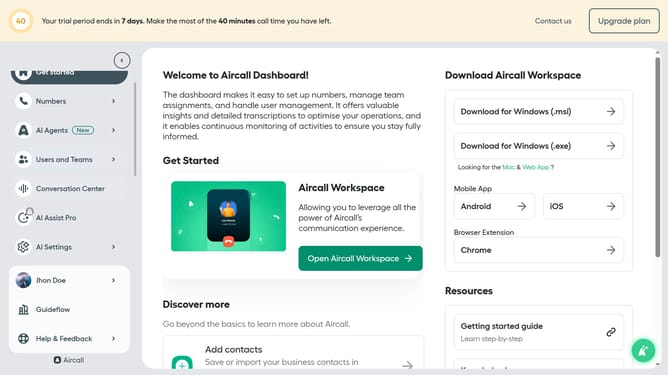
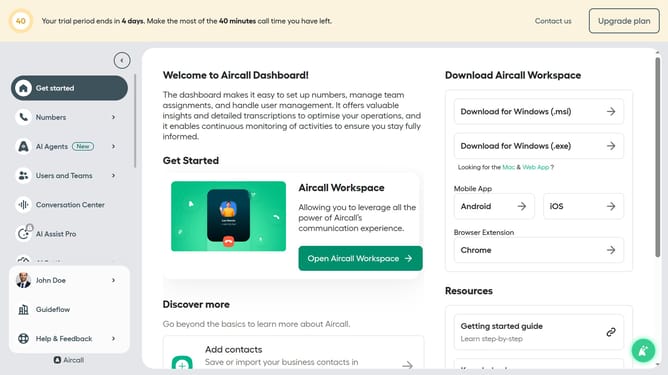
- First click on "AI Agents" tab in the left sidebar
- Then click on "AI Voice Agents" section
- Next click on the voice entry you want to manage
- In the left panel, click on "Intake flow"
- Then click on the three dots icon next to the question you want to delete
- Next, click on the "Remove question" option
- Finally click on the "Save" button
Why should you delete an automated question in AI voice agent in Aircall
Aircall is an intuitive cloud-based phone system designed to enhance business communication.
When it comes to customizing your automated AI voice agent within Aircall, knowing how to delete an automated question is key.
This feature empowers businesses to streamline their call flow, ensuring that customers receive only relevant and timely information.
By keeping your interactions efficient, you not only improve user experience but also optimize your overall communication strategy.
Last update