How to update last name in Aircall
Here is how to update last name in aircall
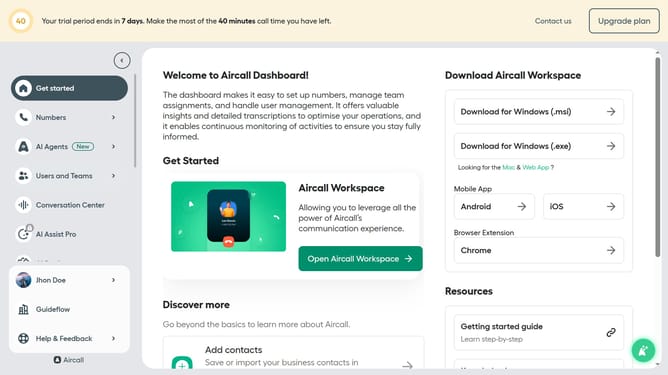
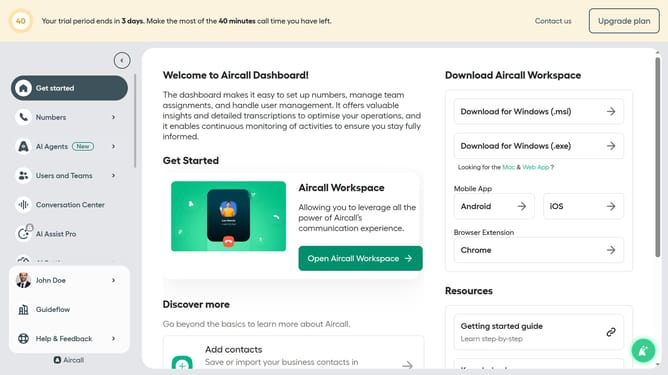
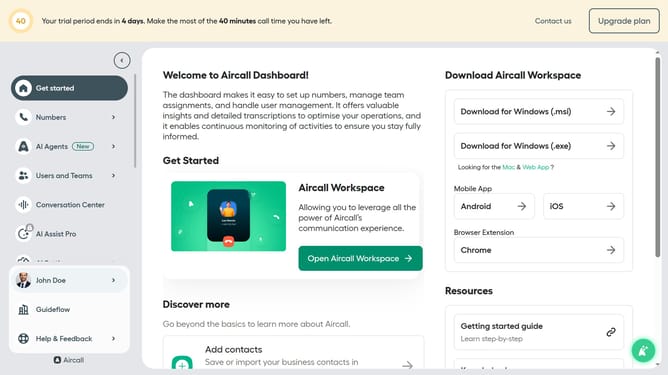
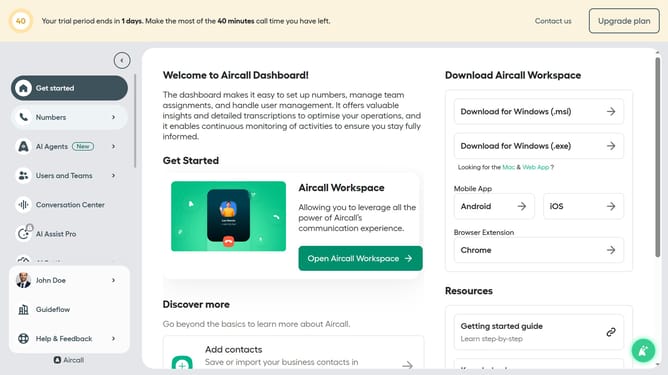
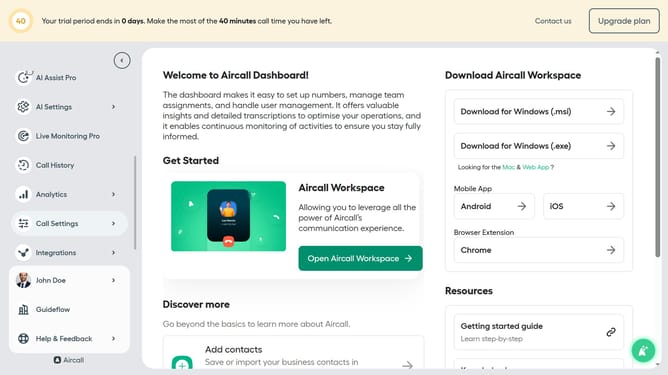
- First click on the user profile in the sidebar
- Then click on "Edit profile" from the dropdown menu
- Then click on the "General" tab
- Then click on the "Doe" input field under "Last name"
- Finally click on the "Save changes" button
Why should you update last name in Aircall
Aircall is a cloud-based phone system designed to boost seamless communication for modern teams.
Updating your last name in Aircall is a simple yet powerful feature that ensures your professional identity remains current and accurate.
Maintaining correct and updated information helps build trust and reflects your attention to detail, which is essential in today’s fast-paced business environment.
This functionality ensures your contact information aligns with other professional platforms, ensuring a cohesive and professional brand image across the board.
Last update