How to enable waiting for busy agents in a simultaneous team ring to in Aircall
Here is how to enable waiting for busy agents in a simultaneous team ring to in aircall
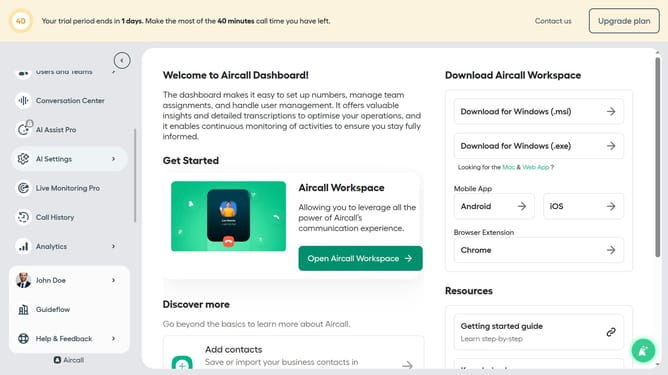
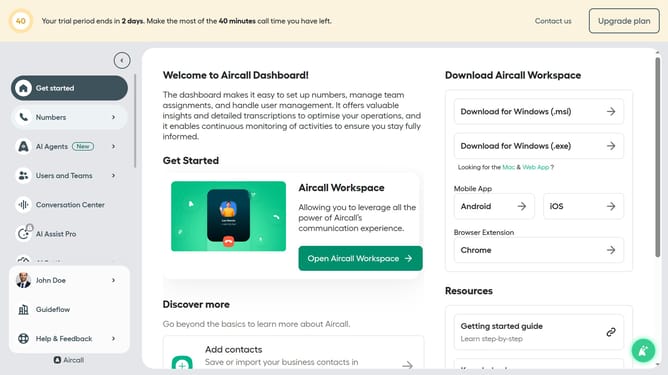
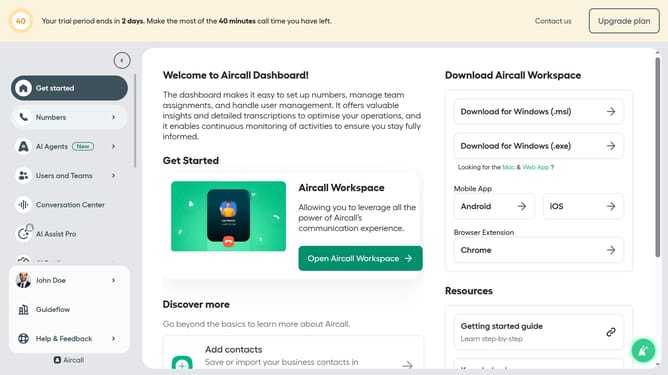
- First click on "Numbers" item in the left sidebar
- Then click on the "Numbers" tab
- Next click on the name of the number you want to manage from the table
- Then click on the "Edit" button
- Then click on the ring to step within the smartflow editor
- Then click on the "Wait for busy agents" toggle switch ON
- Finally click on the "Publish" button
Why should you enable waiting for busy agents in a simultaneous team ring to in Aircall
Aircall is an intuitive cloud-based phone system designed to streamline business communications effortlessly.
The simultaneous team ring feature allows calls to be sent to multiple agents at the same time. However, there might be instances when all agents are busy.
By enabling waiting for busy agents, incoming calls aren't lost, ensuring efficient queue management, and granting your team the opportunity to connect with every caller. It enhances customer satisfaction and maximizes team productivity by reducing missed connections.
Last update