How to customize the callback message in Aircall
Here is how to customize the callback message in aircall
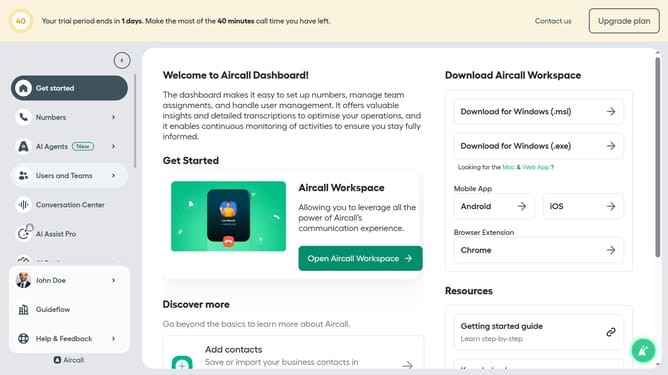
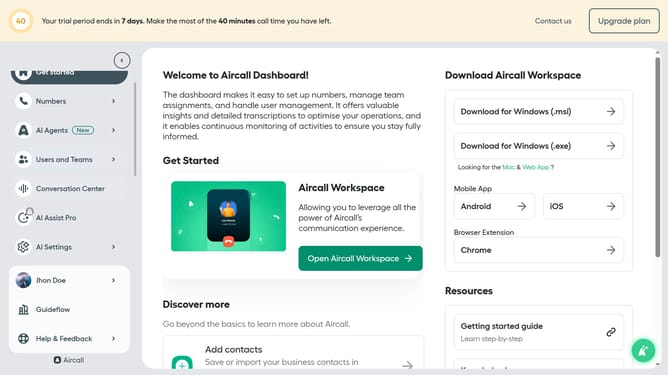
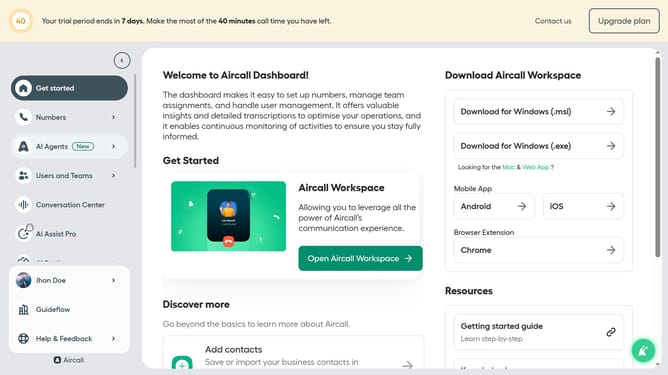
- First click on "Numbers" in the left sidebar
- Then click on the "Numbers" tab in the main panel
- Next click on the name of the number you want to manage
- Then click on the "Settings" tab
- After that, click the "Message" text area and edit it
- Finally, click on the "Save changes" button
Why should you customize the callback message in Aircall
Aircall is a cutting-edge cloud-based phone system designed to enhance business communication efficiency.
Customizing the callback message in Aircall allows you to personalize caller interactions by leaving a memorable impression. This feature provides the opportunity to tailor your message, ensuring that your brand voice resonates even when you're away.
Using customized callback messages not only optimizes customer satisfaction but also underscores professionalism and care. Personal touches like these can significantly boost client loyalty and facilitate engagement.
Last update