How to add company description in Aircall
Here is how to add company description in aircall
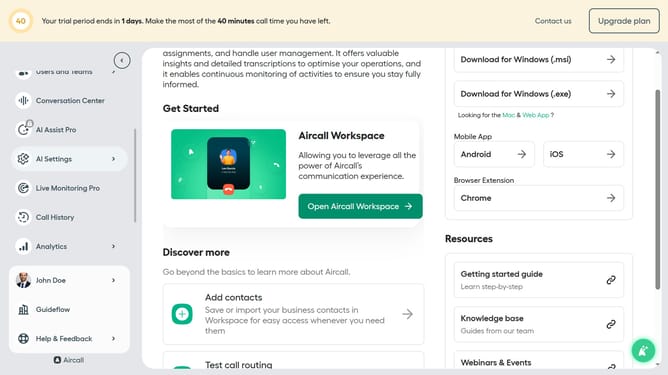
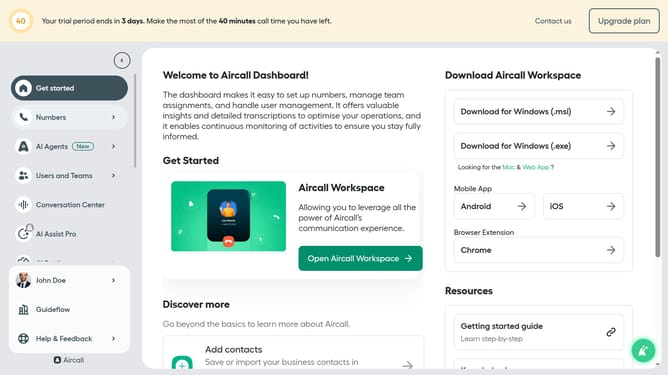
- First click on "AI Settings" in the left sidebar
- Then click on "Company context" in the opened menu
- Next, click on the input field to describe your company
- Finally click on "Save changes" button
Why should you add company description in Aircall
Aircall is a cloud-based phone system designed to seamlessly enhance business communication.
Within Aircall, adding a company description is a useful feature that allows for personalizing and providing essential company information to callers.
Having a clear, concise company description helps convey your brand identity, foster trust, and create a professional appearance, making it an invaluable component of your customer interaction strategy.
Last update