How to add blocked number in Aircall
Here is how to add blocked number in aircall
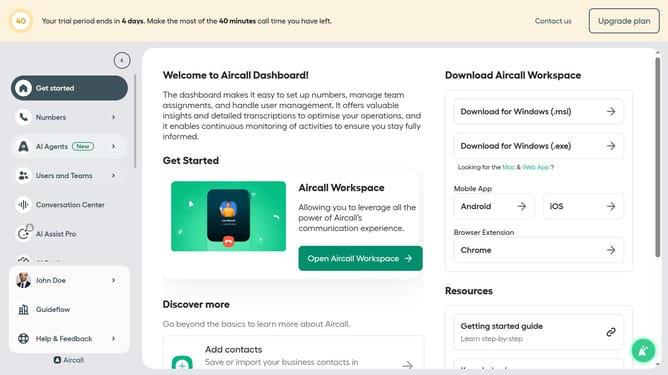
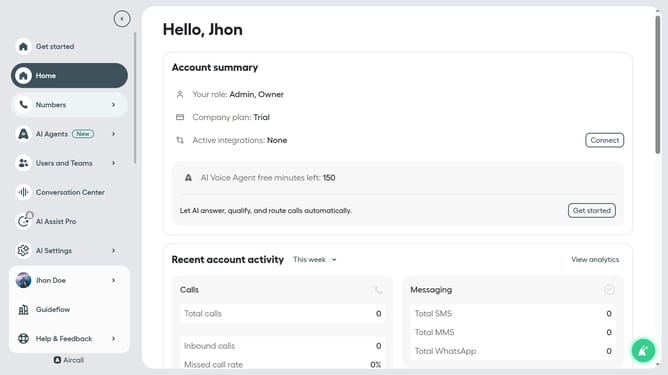
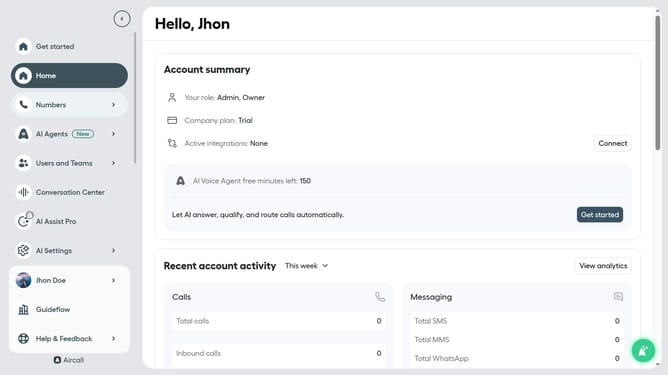
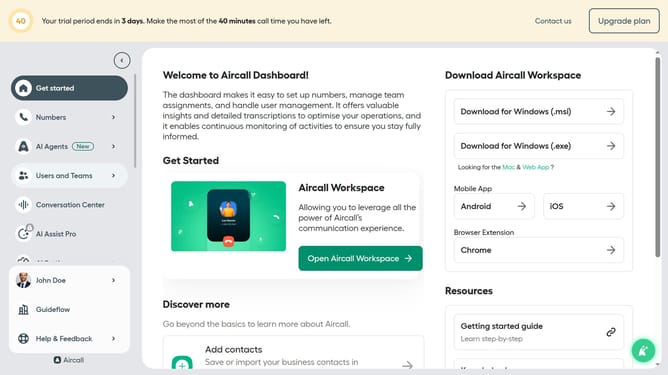
- First click on "Call Settings" in the left sidebar
- Then select "Blocked Numbers" from the Call Settings menu
- Next, click on the "Add a blocked number" button
- Then click on the dropdown arrow next to the country code
- After that, select a country from the country list
- Then click on the input field to enter a number
- Finally click on the "Add" button
Why should you add blocked number in Aircall
Aircall is a modern, cloud-based phone system designed to improve team communications and customer interactions.
The feature allowing users to add blocked numbers in Aircall plays a crucial role in maintaining a clutter-free and secure call environment.
Blocking unwanted numbers not only enhances productivity but also ensures that focus remains on important calls and conversations.
By filtering unnecessary disturbances, teams can maintain streamlined workflows while safeguarding their operations.
Last update