How to set the number of callback retries in Aircall
Here is how to set the number of callback retries in aircall
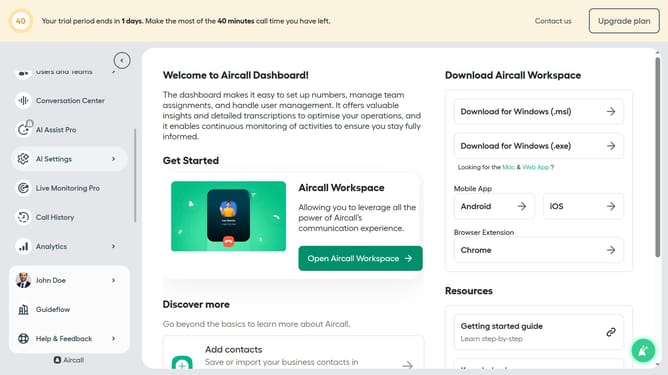
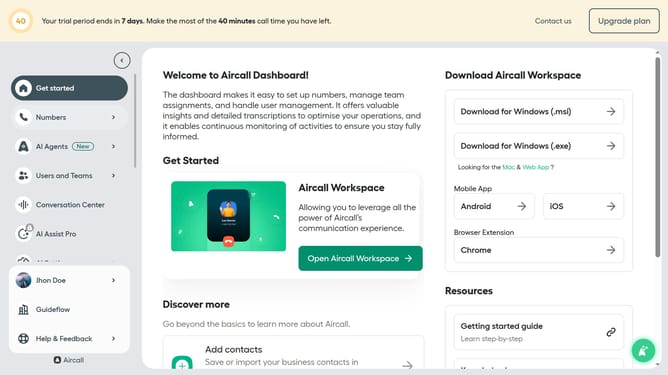
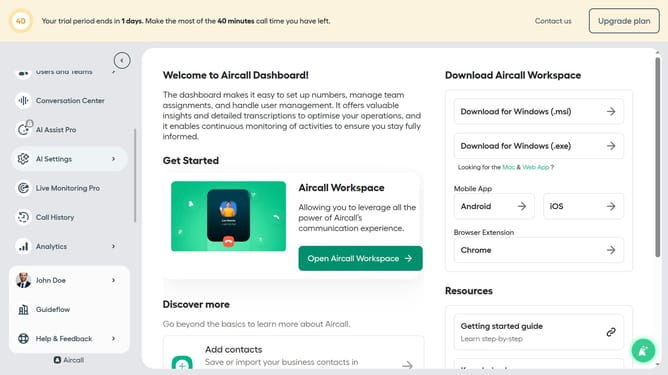
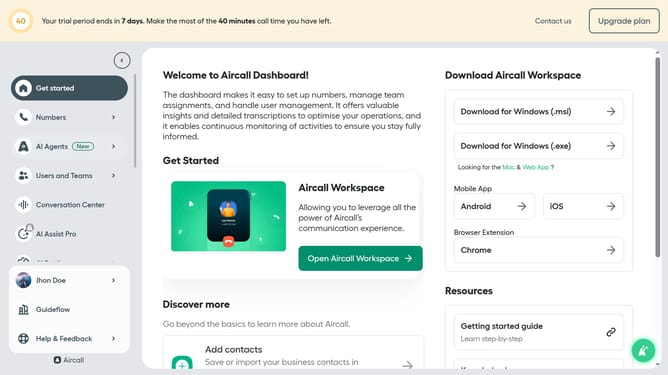
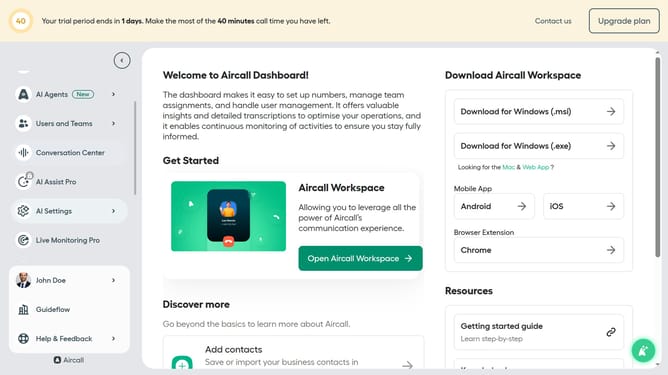
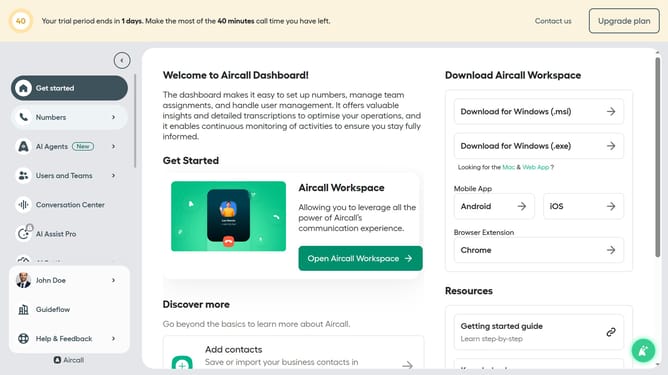
- First, click on the "Numbers" item in the left sidebar
- Then click on the "Numbers" tab in the main content area
- Next, click on the "Client Care Service" row
- After that, click on the "Settings" tab
- Then click on the dropdown arrow for "Number of retries"
- Then, select an option from the dropdown list
- Finally click on the "Save changes" button
Why should you set the number of callback retries in Aircall
Aircall is a streamlined call management solution that brings efficiency to business communications.
Adjusting the number of callback retries in Aircall is a valuable feature that enhances connectivity and ensures no missed opportunities. By fine-tuning this setting, businesses can tailor their communication strategies to their specific needs.
Implementing callback retries ensures that important customer calls do not fall through the cracks, promoting both customer satisfaction and operational effectiveness.
Overall, this feature solidifies Aircall's role as a reliable tool for effective and seamless communication in today's fast-paced world.
Last update