How to rename waiting experience element in Aircall
Here is how to rename waiting experience element in aircall
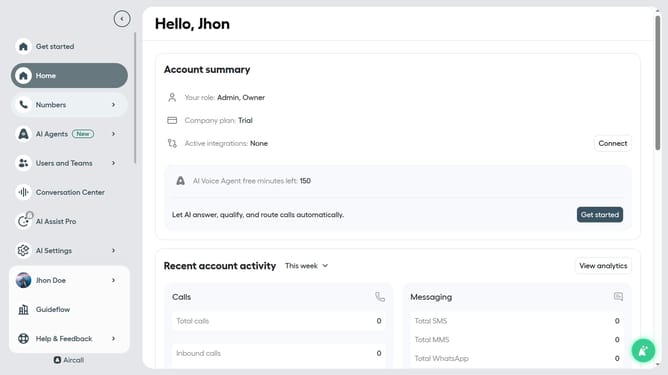
- First click on the "Numbers" item in the left sidebar menu
- Then click on the "Numbers" tab at the top of the page
- Next click on the name of the number you want to manage from the table
- Then click on the "Edit" button
- Next click on the "Waiting experience" element
- Then click on the pencil icon next to "Waiting experience"
- Next click on the title input field and edit it
- Finally click on the "Publish" button
Why should you rename waiting experience element in Aircall
Aircall is a cloud-based phone system designed to streamline communication for modern businesses.
One exceptional feature within Aircall is the ability to rename waiting experience elements.
This allows businesses to tailor the audio customers hear while on hold, ensuring that their brand voice and messaging are consistently conveyed. By customizing this aspect, companies can enhance customer engagement and reinforce brand identity.
Ultimately, this feature contributes to improved customer satisfaction and a more personalized call experience.
Last update