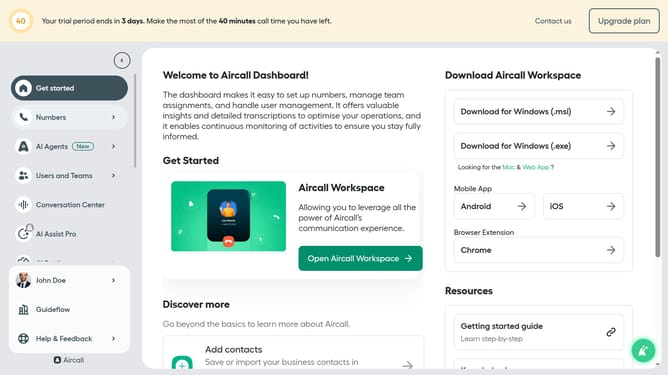
How to set call forwarding to external number in Aircall
Here is how to set call forwarding to external number in aircall
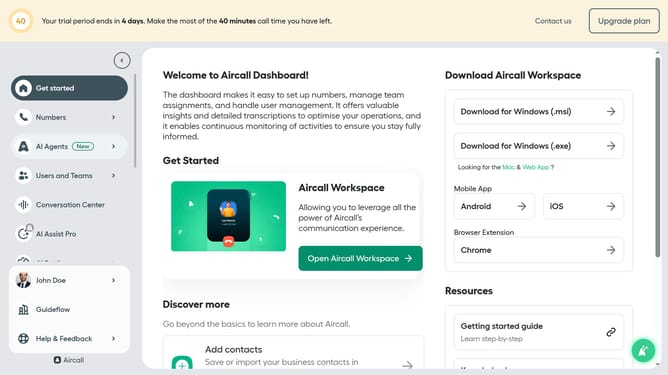
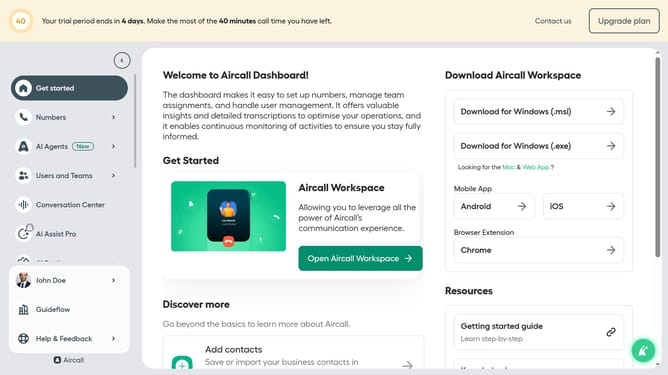
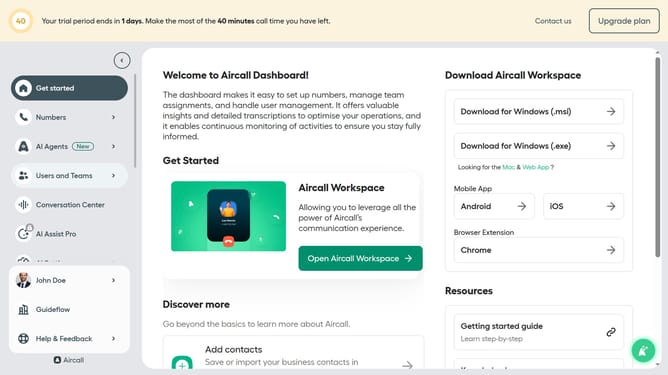
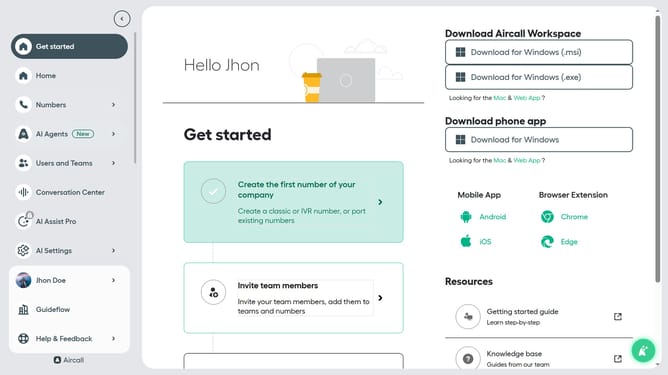
- First click on your user profile in the left sidebar
- Then click on "Edit profile" button
- Then click on "Call preferences" tab
- Then click on "Add phone number" button
- Then click on the country code selector
- Then select a country code from the dropdown
- Then type the phone number in the input field
- Finally click on "Add" button
Why should you set call forwarding to external number in Aircall
Aircall simplifies business communications with its cloud-based phone solutions, enhancing team collaboration and customer engagement.
The "Set Call Forwarding to External Number" feature in Aircall empowers businesses to stay connected with clients even when away from the office environment.
By redirecting incoming calls to an external line, it ensures no customer interaction is missed, enhancing service continuity and response times.
This feature supports remote work dynamics, allowing teams to handle calls seamlessly regardless of their location, boosting efficiency and customer satisfaction.
Last update